

You open the charging case and see your Bose Sport Earbuds flashing red and white again. Before you panic or assume the worst, take a breath. This light pattern is one of the most misunderstood signals in wireless earbuds. Sometimes it means nothing is wrong at all.
In this guide, you will learn exactly what the red and white flashing means, how to tell if your earbuds are working as designed, and the precise steps to fix real problems. We will cover quick resets, firmware updates, battery diagnostics, and when to contact Bose directly.
Decode the Blinking Pattern
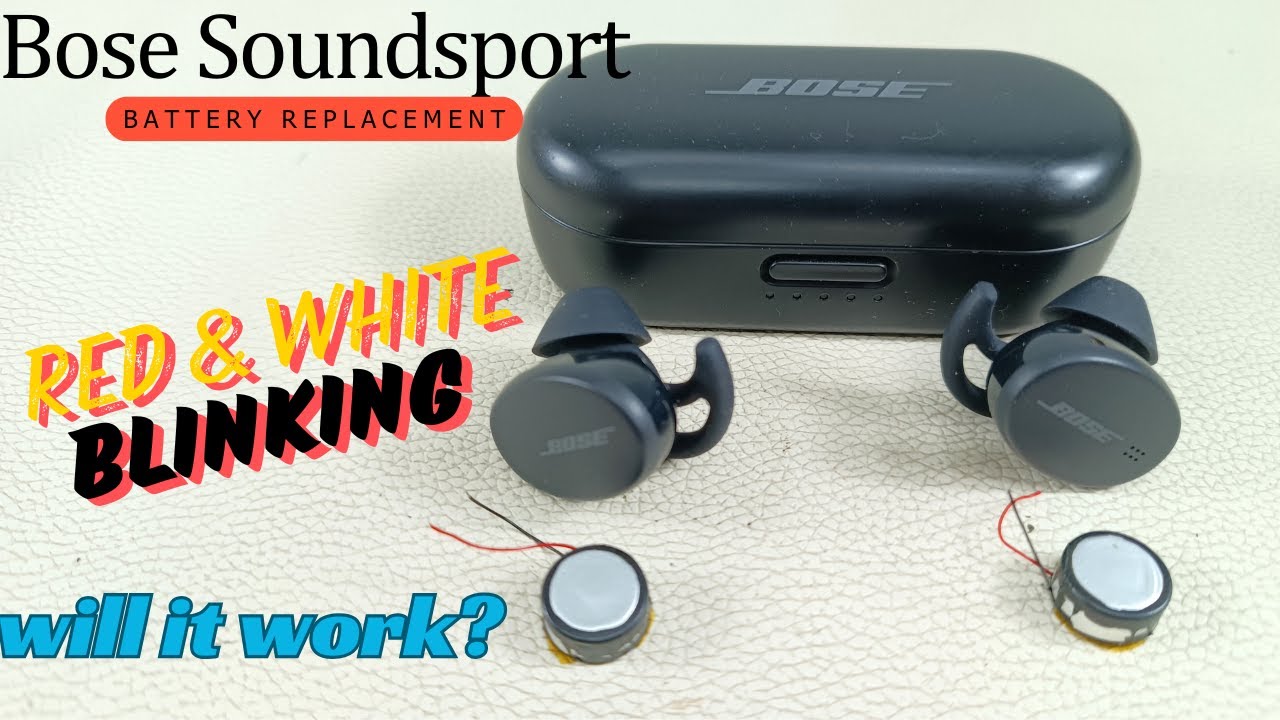
The first step is identifying which behavior you are seeing. Bose Sport Earbuds use this light combination for two very different purposes: normal startup signaling and error indication.
Normal Startup Blinking
When you open the charging case lid, both earbuds may briefly flash red and white. This is by design and happens whether or not you remove the earbuds, even with a full battery, and regardless of previous usage. If the blinking stops within a few seconds and the earbuds connect automatically, there is no issue.
This behavior is hardcoded into the firmware and cannot be changed. Replacing the battery or resetting the device will not stop this normal flash, so do nothing if audio plays and connection is stable after the blink.
Persistent Flashing Means Connection Failure
If the red and white lights keep flickering and the earbuds will not turn on or connect, you are dealing with a pairing loop or hardware failure. Key signs include:
- Constant blinking without connecting
- Device appears in Bluetooth list but fails to pair
- Connection drops repeatedly
- One or both earbuds unresponsive
This type of flashing indicates the earbuds are stuck trying to establish a link but failing. Common causes include firmware glitches, corrupted pairing data, or dead batteries.
Clear Bluetooth Interference First
Before attempting any reset, eliminate external causes. Nearby devices can interfere with pairing and trigger unstable behavior.
Turn Off Nearby Bluetooth Devices
Bluetooth operates on a crowded frequency band. If other devices like smartwatches, laptops, or speakers are nearby and powered on, they may attempt to reconnect automatically and disrupt the process.
Action Plan:
1. Disable Bluetooth on all devices within a 30 foot radius
2. Keep them off during all troubleshooting steps
3. Only re-enable your target device (phone or tablet)
This simple step prevents unwanted reconnection attempts and gives your earbuds a clean environment to reset and pair.
Perform a Charging Case Resync
A quick resync clears temporary communication errors between the earbuds and the case. This often resolves phantom blinking in under a minute.
5 Second Case Reset
This fast fix resolves minor sync issues quickly.
Steps:
1. Place both earbuds in the case
2. Close the lid completely
3. Wait 5 seconds
4. Open the lid and remove the earbuds
After this, the earbuds should power on normally and attempt to reconnect. If the red and white flash stops and audio works, the issue is resolved. Skipping the 5 second wait is a common mistake, because timing matters and less than 5 seconds may not trigger the reset.
Update Firmware via Bose Website
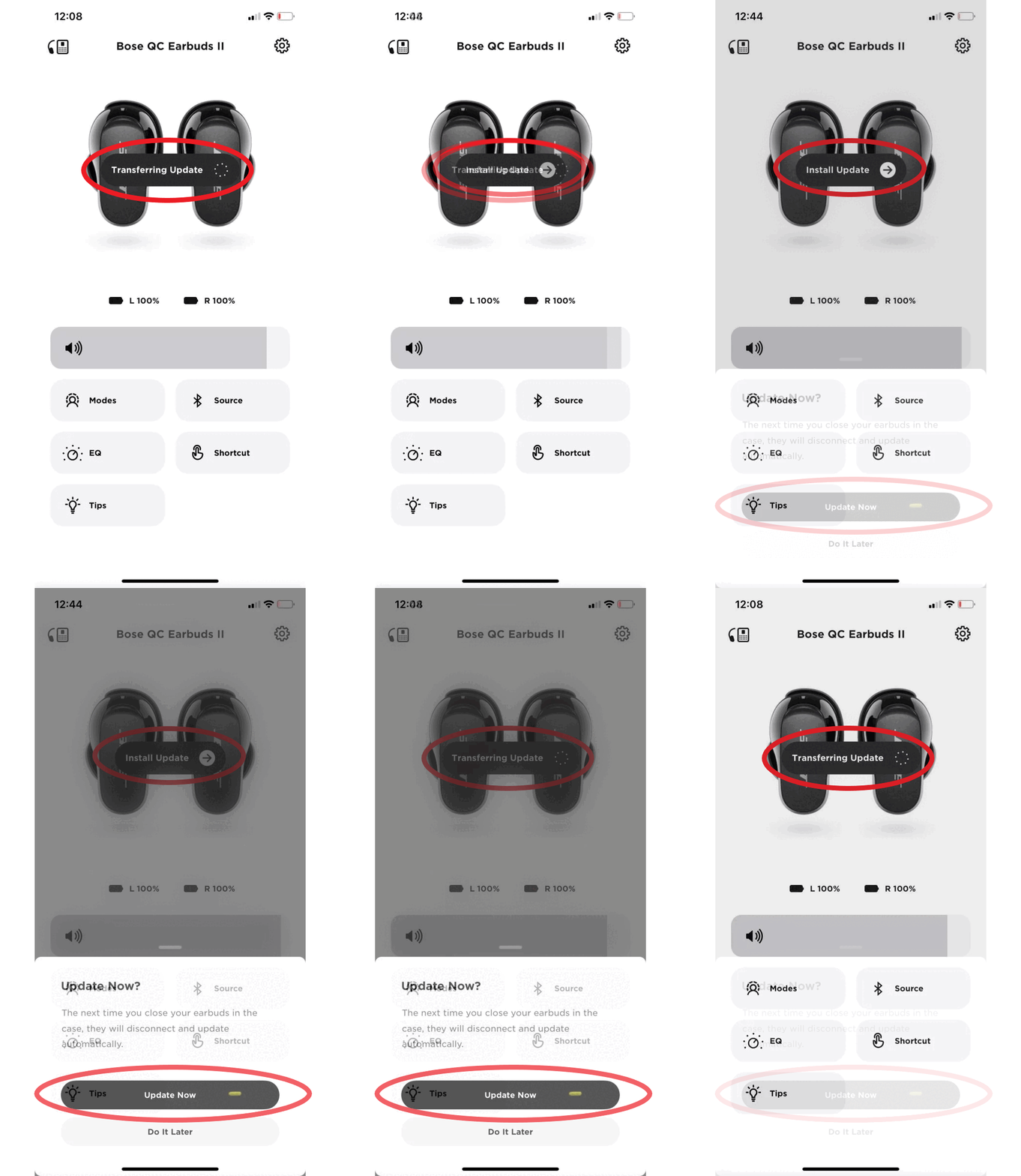
Outdated firmware is a top cause of persistent red and white flashing and pairing loops. Updating can resolve bugs that prevent stable connections.
Use btu.bose.com to Update
Bose provides an official web based tool for firmware updates. No app is required.
Step by Step:
1. Connect your charging case to a computer using a USB cable
2. Go to btu.bose.com in any browser
3. Sign in to your Bose account
4. Follow prompts to detect your earbuds
5. Install any available updates
The update process takes 5 to 10 minutes. Keep the earbuds in the case and connected the entire time. After the update, earbuds should flash white only during pairing, which signals healthy firmware. Many users report that after updating, the erratic red and white blinking stops and connectivity stabilizes immediately.
Factory Reset Bose Sport Earbuds
If blinking continues and pairing fails, perform a full factory reset. This wipes all stored Bluetooth profiles and forces a clean start.
30 Second Reset Procedure
This is the definitive reset method for Bose Sport Earbuds.
Steps:
1. Place both earbuds in the charging case
2. Close the lid
3. Press and hold the Bluetooth button on the case
4. Hold for 30 seconds (do not release early)
5. Release the button
6. Open the lid
The earbuds should now flash white only, indicating they are in pairing mode. Now reconnect by going to your phone’s Bluetooth settings, forgetting the “Bose Sport Earbuds” entry if it exists, and selecting the earbuds from the list to pair fresh. Some guides suggest a 15 second hold, but for a full reset, 30 seconds is required. Shorter holds may not clear all pairing memory.
Diagnose Battery Failure

If the earbuds will not turn on even after charging and continue flashing red and white, the battery may be dead. Battery failure mimics software issues but requires hardware repair.
Check for Power Failure Signs
Symptoms of a dead battery include:
– No response after 2 or more hours of charging
– Earbuds do not light up at all
– Sudden shutdown after brief use
– Voltage reading of 0.00 to 0.01 volts when measured with a multimeter
When the internal lithium ion polymer battery degrades completely, the earbuds cannot power the Bluetooth module or maintain connection. This causes endless blinking or no response. If the only symptom is red and white blinking with normal audio, battery replacement will not help. Only replace if there is a confirmed power failure.
Replace the Internal Battery
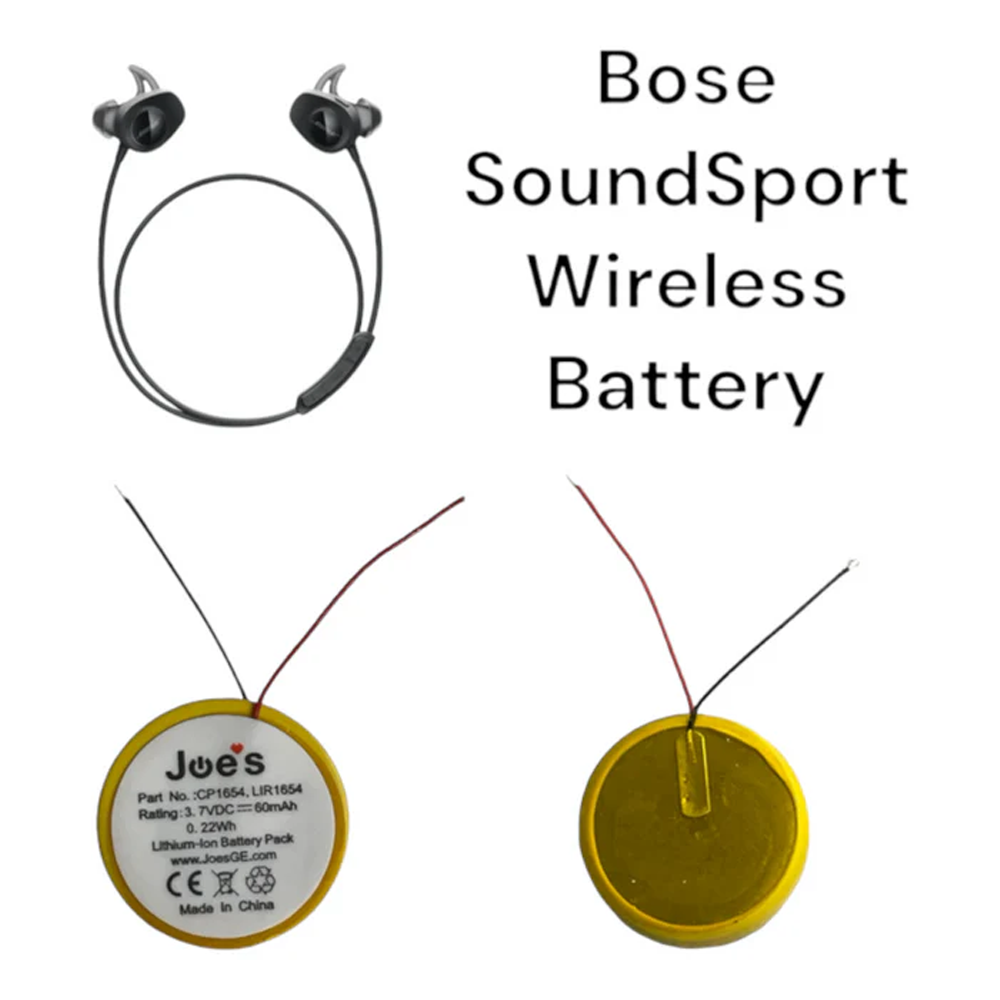
For non responsive earbuds, battery replacement is the last repair option before replacement. This is an advanced procedure that requires specific tools and careful handling.
Required Tools and Parts
You will need:
– Replacement lithium ion polymer battery (exact size match)
– Hairdryer or heat gun
– Plastic prying tools
– Precision screwdrivers
– Multimeter (to test voltage)
Opening the earbuds voids any remaining warranty and risks permanent damage if done incorrectly.
Step by Step Replacement
Open the Earbud Housing
- Heat the outer seam gently with a hairdryer on low setting for 30 seconds
- Insert a plastic tool at the seam between matte and glossy sections
- Pry slowly and evenly to avoid crushing internal components
Handle the Flex Cable Carefully
Once open, locate the flex cable connecting the touch control to the main board. This cable is extremely fragile. Do not bend sharply or pull it. Disconnect only if necessary to access the battery.
Remove and Test Old Battery
- Disconnect the battery connector from the main board
- Use a multimeter to measure voltage. A reading of 0.01 volts or less confirms a dead cell.
- Remove the old battery carefully
Install New Battery
- Insert new lithium ion polymer battery with correct polarity
- Reconnect to the main board
- Test voltage. It should read 3.7 to 4.2 volts depending on charge.
- Reconnect flex cable if detached
Reassemble and Test
- Align housing halves and press to reseal
- Place in charging case
- Open lid. Expect a normal red and white flash, but now the earbuds should power on and hold charge.
After charging, earbuds should stay on, connect reliably, and play audio for the expected duration.
Contact Bose Support for Replacement
Even out of warranty, Bose may replace faulty units. Many users report receiving replacements up to 2 years post warranty when they provided detailed logs, demonstrated attempted fixes, and had no physical damage.
How to Request Support
- Gather your serial number (on the case or receipt)
- List all troubleshooting steps tried (reset, update, etc.)
- Contact Bose via the official website support portal, phone, or chat support
- Explain the issue clearly: “Earbuds stuck flashing red and white, will not connect after full reset.”
Bose uses discretionary customer care, meaning they can choose to help even if not obligated.
Test Across Multiple Devices
Isolate the problem to determine whether it is the earbuds or your phone. Try pairing with a different device such as a laptop, tablet, or friend’s phone.
Cross Device Diagnosis
If the earbuds work on another device, the original phone is the issue. If the problem persists, the earbuds are faulty.
iPhone Bluetooth Issues Are Common
Several users reported red and white flashing only on iPhone with stable connection on Android or Windows. For iPhone users, go to Settings > Bluetooth, tap the “i” next to Bose Sport Earbuds, select Forget This Device, restart the iPhone, and re-pair from scratch. Clearing Bluetooth cache often resolves iOS specific pairing conflicts.
When to Seek Professional Repair
If you are uncomfortable opening the earbuds, third party repair services specialize in battery swaps. Services based in Bangalore, the UK, and the US offer global shipping with a focus on battery replacement only (not firmware or touch control fixes). Typical cost is 40 to 60 percent of new earbuds price with a 7 to 14 day turnaround with tracking. Note that repaired units still show red and white flash on case open because it is normal behavior, not a defect.
Frequently Asked Questions About Bose Sport Earbuds Flashing Red and White
Is the red and white flashing on Bose Sport Earbuds normal?
Yes, in many cases it is. When you open the charging case lid, both earbuds may briefly flash red and white as a startup signal. This happens regardless of battery level and is built into the firmware. If audio plays normally and the connection is stable, the light pattern is working as designed.
How do I reset my Bose Sport Earbuds when they keep flashing red and white?
Place both earbuds in the charging case and close the lid. Press and hold the Bluetooth button on the case for 30 seconds, then release. Open the lid and remove the earbuds. They should now flash white only, indicating pairing mode. Forget the device on your phone and re-pair from scratch.
Why will my Bose Sport Earbuds not connect even after a reset?
Persistent connection failure after a reset usually points to outdated firmware or corrupted Bluetooth profiles. Update the firmware using btu.bose.com and clear the Bluetooth cache on your phone. Test the earbuds with a different device to rule out phone specific issues.
Can a dead battery cause red and white flashing on Bose Sport Earbuds?
Yes, but only if the earbuds also fail to power on or charge. A multimeter reading of 0.00 to 0.01 volts confirms battery failure. If the earbuds still play audio despite the flashing, the battery is likely fine and the light is just normal startup behavior.
Should I replace the battery myself or contact Bose?
If your earbuds are out of warranty and you have soldering or electronics experience, a DIY battery replacement using a lithium ion polymer cell is possible. Otherwise, contact Bose support first. They often provide replacements even after the warranty expires, especially if you document all troubleshooting attempts.
Will a firmware update stop the red and white flashing?
A firmware update can stop erratic red and white flashing caused by software bugs or pairing loops. After updating, the earbuds should flash white only during normal pairing. However, the brief red and white flash when opening the case will remain, as it is normal behavior.
Key Takeaways for Fixing Bose Sport Earbuds Flashing Red and White
The red and white flashing on Bose Sport Earbuds is often misunderstood. It is not inherently broken. Sometimes it is working exactly as designed. Start by identifying whether the flash is brief (normal) or persistent (a fault). Try the software fixes first: clear Bluetooth interference, perform a 5 second case resync, update firmware at btu.bose.com, and run a 30 second factory reset.
If those fail and power is lost, the battery is likely dead. Confirm with a multimeter reading of 0.00 to 0.01 volts, then consider battery replacement or contact Bose directly. With the right approach, most users get their earbuds working reliably again without buying new ones. Your next step is to match your symptoms to the decision matrix above and perform the first recommended action.



