
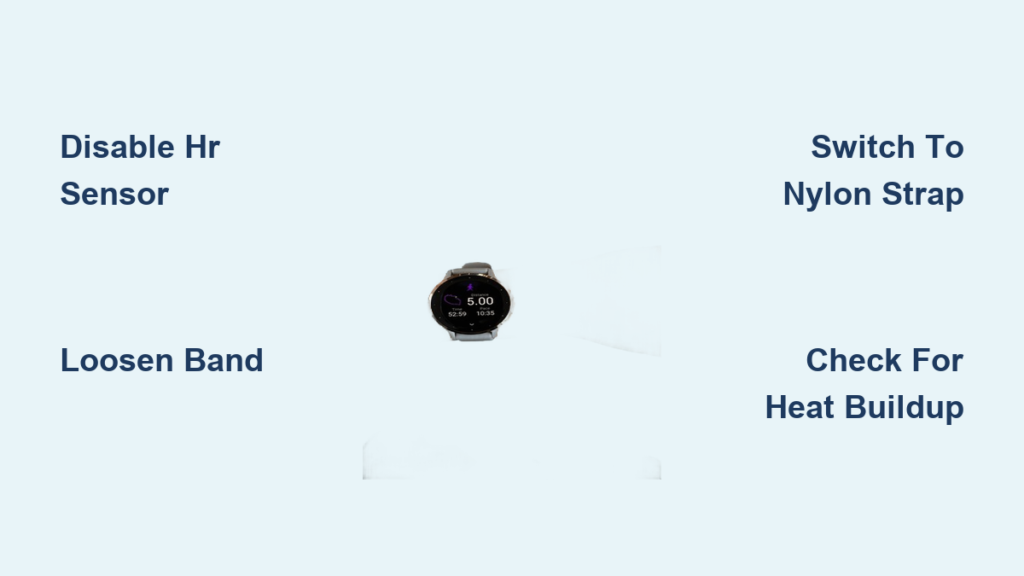
You charge up your Garmin, strap it on, and head out for your run. Hours later, you notice a red ring or burning sensation under the watch. This alarming problem affects Fenix, Venu, Forerunner, and Instinct models alike. While Garmin attributes these reactions to hygiene or contact dermatitis, many users describe actual blistering, persistent rashes, and heat sensations that vanish only when the watch comes off.
This guide breaks down the real causes behind the burning wrist phenomenon, from optical sensor photosensitivity to galvanic reactions, and provides actionable steps to prevent, diagnose, and fix the problem.
Why Your Garmin Watch Causes Skin Reactions
Multiple factors contribute to the burning wrist sensation reported by users across Garmin’s product line. The most common causes include trapped moisture from sweat or soap residue, continuous pressure from tight bands, and prolonged exposure to the optical heart rate sensor’s green LED lights.
Understanding the root cause is the first step toward finding relief. Some users experience mild irritation that clears up with better hygiene, while others develop persistent rashes or burn-like marks that return immediately upon re-wearing the device.
The consistency of symptoms under the green sensor array, rather than elsewhere on the wrist, points toward device-specific factors rather than simple user error.
Identifying Real Burns vs. Skin Irritation
Distinguishing Thermal Burns from Contact Dermatitis
Not every red mark represents a true thermal burn. True burns involve blistering, deep redness, or lasting marks that persist for days. Milder cases typically involve occlusion dermatitis, which is skin irritation from trapped sweat and prolonged pressure.
Red flags indicating a serious reaction include burning sensation during or immediately after use, circular or ring-shaped rash under the sensor, blisters or raw skin within hours, symptoms that return immediately when re-wearing, and marks appearing only under the green LED cluster.
If you experience any of these symptoms, stop wearing the watch immediately and assess both your skin condition and device settings.
The Green LED Sensor: Hidden Trigger for Rashes
How Optical Heart Rate Monitoring Causes Reactions
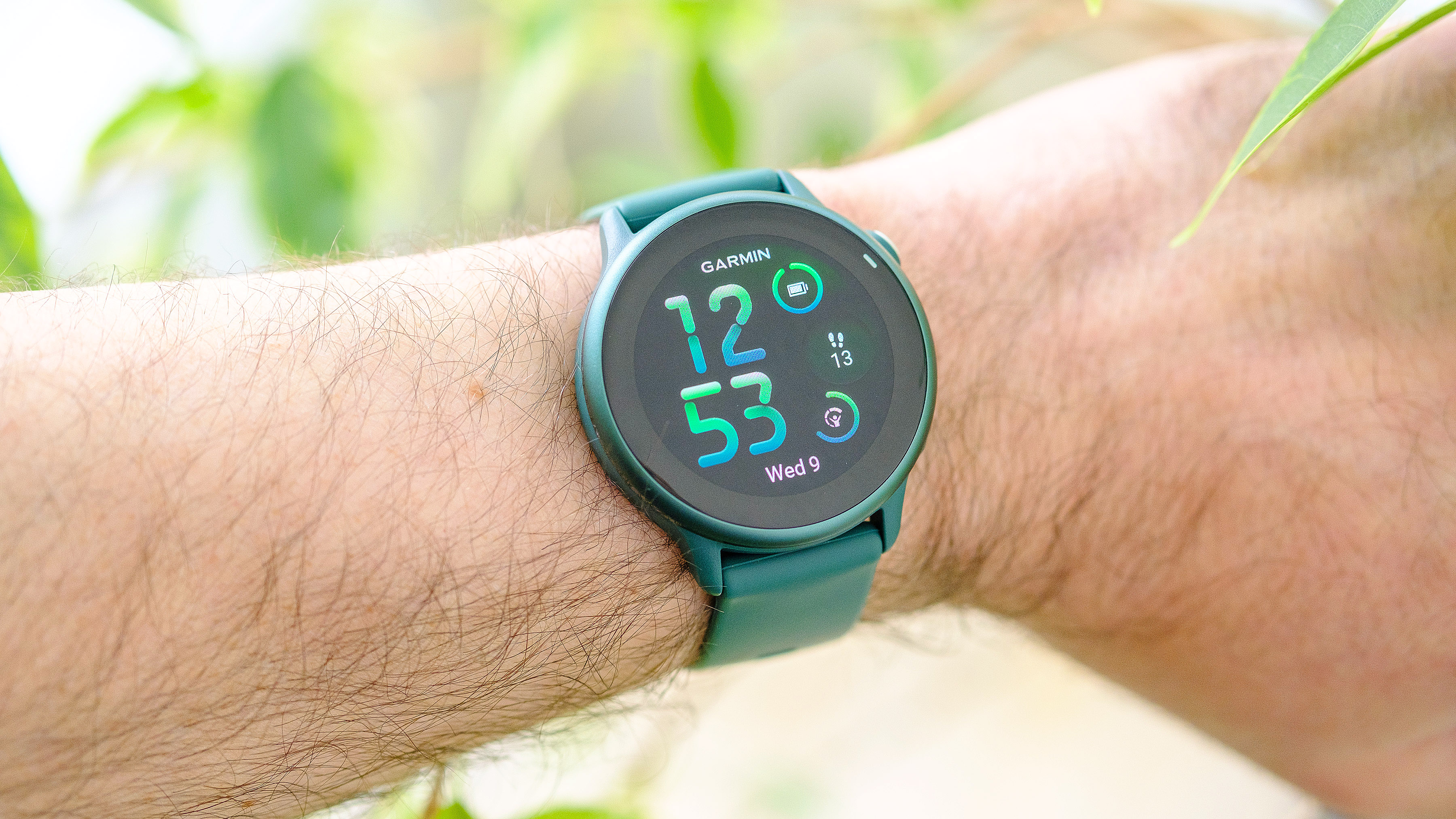
Multiple users confirm that irritation occurs only under the green heart rate sensor, not elsewhere on the wrist. One user stated that the rash is 100% from the green LED light and disappears entirely when HR monitoring is turned off.
The green LEDs at approximately 525nm wavelength in Garmin’s optical HR monitor emit constant pulses to detect blood flow. While low-energy, prolonged exposure may trigger photosensitivity in some individuals, similar to polymorphous light eruption, which is usually linked to UV but is increasingly reported with visible light.
Evidence linking LEDs to rashes includes reactions occurring within one hour on sensitive users, no rash when HR monitoring is disabled, and identical reports on Apple Watch, Fitbit, and Suunto devices.
Testing if the Sensor Is the Culprit
To confirm if the optical sensor is causing your reaction, turn off continuous heart rate monitoring, wear the watch normally for 3 to 5 days, and monitor your skin condition. If the rash does not return, the optical sensor is likely the trigger.
Heat Buildup: When Your Watch Overheats
Feeling Warmth During and After Workouts
Despite Garmin’s claims of no detectable heat, users report feeling warmth from the back of the watch, especially after GPS runs or overnight SpO2 use. Several factors contribute to this heat generation.
Contributing factors include continuous HR monitoring, GPS and Wi-Fi and Bluetooth all active simultaneously, high screen brightness, background apps and widgets running, and SpO2 tracking used at night.
These functions increase power draw, heating the battery, processor, and backplate.
Internal Heat Sources in Garmin Watches
The primary heat sources in Garmin watches include the lithium-ion battery which presents high risk especially if aging or faulty, the processor which generates moderate heat during intense tasks, the GPS module which runs hot during long tracking sessions, and wireless radios which produce moderate heat from Bluetooth and Wi-Fi.
In models like the Fenix and Quatix, the battery sits close to the backplate, increasing skin exposure. While no official surface temperature specs exist, Fenix series watches include internal temperature sensors that can be monitored using compatible watch faces.
Battery and Electrical Failure Risks
Recall Precedent: When Devices Actually Burn
Garmin once recalled the Quatix marine watch due to battery proximity causing actual burns. This proves thermal injury is possible in edge cases and should not be dismissed entirely.
Warning signs of electrical issues include sudden battery drain, swollen or hot battery, burning smell or discoloration, and painful sensation during charging.
One Suunto 9 user reported second-degree burns after a sudden power loss, likely from a short circuit or thermal runaway. If your Garmin feels unusually hot or drains rapidly, stop using it immediately and contact Garmin support.
Galvanic Reactions: Sweat + Metal Damage
How Electricity Can Burn Skin
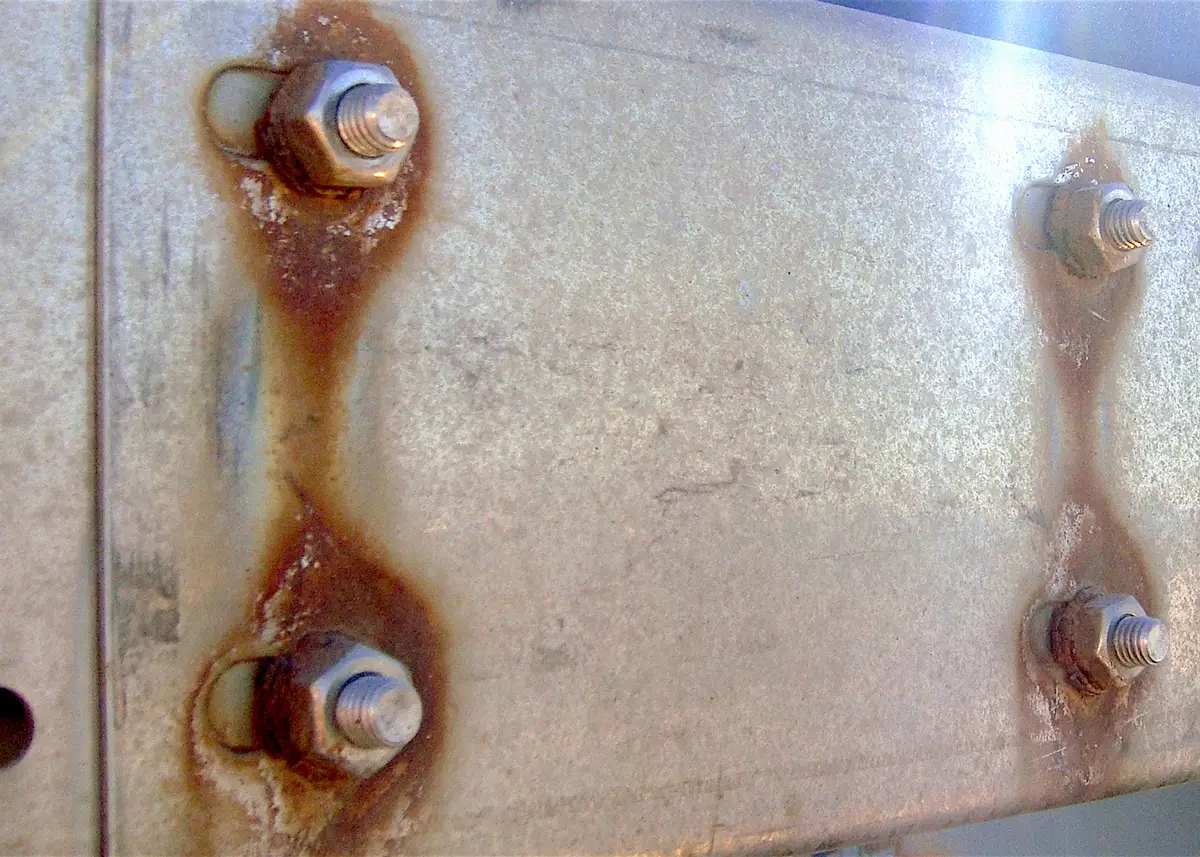
A galvanic reaction occurs when two dissimilar metals interact with sweat, which acts as an electrolyte, creating a micro-current. This can cause localized electrochemical burns or sensitization.
Users report tingling or stinging under the sensor, rash worsening with salty sweat, and reduced symptoms after installing port plugs to seal unused charging ports.
Though unproven by Garmin, the science is sound. Metal corrosion combined with moisture creates potential for skin irritation. One user found relief after sealing unused data and charging ports, cutting off ionic pathways.
Moisture Trapped Under Your Band
Occlusion Dermatitis Explained
The most common cause of wrist irritation is trapped sweat, soap, or sunscreen under a tight silicone band. This creates a humid, bacteria-friendly environment leading to rashes, itching, and skin maceration.
Symptoms worsen with 24/7 wear, tight bands, non-breathable materials, and delayed post-workout cleaning. This mimics a burn but resolves with improved hygiene and airflow.
Preventing Moisture Buildup
Do this daily to prevent moisture-related irritation. Remove the watch at night, wash your wrist and band with mild soap, dry thoroughly before re-wearing, and clean the sensor area weekly.
Even users who maintain good hygiene can develop rashes if the skin never gets a chance to dry completely.
Material Allergies and Band Solutions
Silicone vs. Breathable Strap Options
Some users are allergic to silicone bands or nickel in stainless steel cases. Reactions often start small but worsen over time with continued exposure.
Safer band alternatives include NATO nylon straps which are breathable with no rubber contact, mesh or fabric bands which wick moisture effectively, leather or metal bands which reduce synthetic material contact, and Garmin ventilated bands which are offered free in some cases.
One user resolved chronic rash by switching to a one-piece NATO strap, eliminating skin occlusion entirely. Avoid cheap third-party bands as they often trap more sweat and lack proper ventilation.
SpO2 Monitoring as a Hidden Trigger
Nightly Red Dots? Check Your SpO2 Settings
Users report red dots or rashes appearing overnight, coinciding with blood oxygen monitoring. SpO2 uses additional LEDs that pulse frequently, increasing skin exposure time.
To test this, disable SpO2 monitoring, wear the watch normally for a week, and check if the rash returns. One user confirmed the mark disappeared after turning off SpO2, proving it can be a key trigger for some users.
Garmin’s Response and Support Options
What Customer Support Actually Does
When users report burns, Garmin may request photos and device return, perform a hard reset and wear test, claim no heat was detected based on subjective feel, and offer a replacement band or unit.
However, no temperature logs, battery diagnostics, or sensor data are shared with users, leaving many frustrated. Garmin’s official stance attributes irritation to hygiene, fit, or allergies rather than device defect.
The Quatix recall proves Garmin acknowledges thermal risk, just not in current models.
How to Escalate Your Case
If your case is dismissed, document everything with photos and dates, request device inspection in writing, ask for diagnostic data like battery health and internal temperature, demand replacement or refund, and file with consumer protection agencies if unresolved.
Garmin handles complaints confidentially, likely to avoid liability, but persistent users often achieve resolution.
Proven Fixes That Actually Work
Immediate Steps to Stop the Burn
Take these immediate actions when you notice irritation. Stop wearing the watch until your skin heals completely, clean the device and band with soapy water, apply hydrocortisone cream for inflammation, and see a dermatologist if infection is suspected.
Long-Term Prevention Strategies
Rotate wrist usage by switching between left and right wrist daily to prevent prolonged pressure on one spot. Loosen the band so it is snug during workouts but loose otherwise. Two fingers should fit comfortably under the band.
Disable unneeded features by turning off continuous HR and SpO2 monitoring, using HR only during activities, and lowering screen brightness. Switch to a breathable band using nylon, mesh, or leather options and avoid silicone unless regularly cleaned.
Use port plugs to seal charging and data ports, which may reduce galvanic reactions. Monitor internal temperature on Fenix models using Thermo or Heatmap watch faces to check for anomalies.
How to Test Your Watch Safely
Conducting a Controlled Trial
To identify the cause of your symptoms, conduct a systematic test. First, wear with HR disabled for 3 to 5 days. Second, try a different band such as a NATO style. Third, test on your ankle or opposite wrist. Fourth, use an infrared thermometer to measure backplate temperature, comparing HR on versus off. Normal readings are under 35°C or 95°F, while concerning readings exceed 38°C or 100°F. Fifth, log your symptoms and settings daily.
This documented data strengthens your case if you need to contact Garmin for support or warranty claims.
When to Seek Medical Attention
Medical Red Flags
Seek immediate medical help if you experience blistering or open sores, pus or worsening pain, rash lasting more than two weeks, or scarring or hyperpigmentation.
A dermatologist can diagnose allergic contact dermatitis, perform patch testing for material allergies, and rule out infections or autoimmune conditions. Keep detailed records of your symptoms for any warranty or legal claims.
Key Takeaways for Preventing Garmin Watch Burns
The issue of Garmin watch burning wrist is real and affects thousands of users across multiple models. While most rashes are preventable through better hygiene and band choices, some reactions stem from the optical sensor itself, particularly the green LEDs used for heart rate monitoring.
True thermal burns are rare but possible, especially in cases of battery malfunction. The Quatix recall proves Garmin has acknowledged thermal risk in their devices. Most importantly, you can take control by disabling unnecessary features, switching to breathable bands, rotating your wrist wear, and monitoring for heat or battery issues.
If your Garmin is causing skin reactions, adjust your habits, test the triggers methodically, and demand accountability when needed. Wearables should enhance your health, not harm your skin.
Frequently Asked Questions About Garmin Watch Burning Wrist
Can a Garmin watch actually cause burns?
Yes, while rare, actual thermal burns are possible, particularly in cases of battery or electrical malfunction. The Quatix series recall confirmed that Garmin acknowledges this risk. Most reported cases are milder skin irritation, but the symptoms can range from simple redness to blistering.
Why does the rash only appear under the green LED sensor?
The green LEDs used in optical heart rate monitoring emit light that can trigger photosensitivity in some individuals. Multiple users confirm that disabling HR monitoring eliminates the rash, strongly implicating the sensor as the cause for sensitive users.
How do I stop my Garmin watch from burning my wrist?
Immediate solutions include stopping wear until skin heals, cleaning the device and wrist daily, loosening the band, disabling continuous HR and SpO2 monitoring, and switching to a breathable band like nylon or mesh. These changes resolve symptoms for most users.
Is the burning sensation dangerous?
While most cases are superficial skin irritation, symptoms like blistering, persistent pain, or rash lasting more than two weeks warrant medical attention. Stop wearing the watch immediately if you experience these symptoms and consult a healthcare professional.
Does Garmin replace watches that cause skin burns?
Garmin may offer replacement bands, a replacement unit, or a refund depending on the severity of your case and your documentation. Their support team handles these cases confidentially, so persistence and detailed documentation improve your chances of resolution.
Are other smartwatch brands affected by this same issue?
Yes, this is a class-wide problem affecting Apple Watch, Fitbit, Samsung Galaxy Watch, and Suunto devices. All wrist-worn optical HR monitors use similar green LED technology and create identical risk profiles for sensitive users.



