
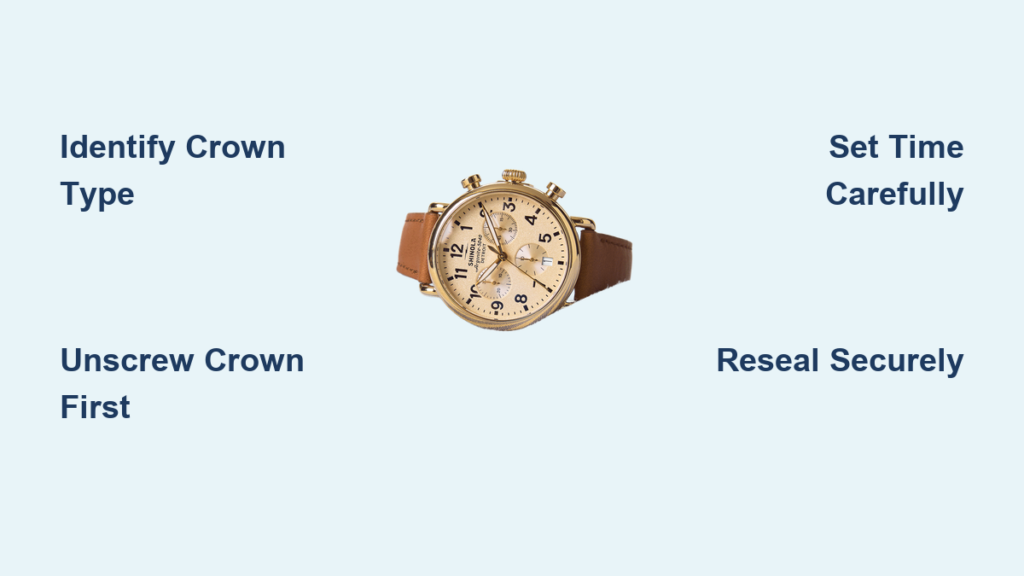
You just got your Shinola watch, or maybe you have had it for a while and the time drifted. Either way, knowing how to adjust the time properly is essential, not just for accuracy but to protect your watch is water resistance and internal mechanism. Whether you own a Shinola Runwell, Monster Dive, or another model, most Shinola watches use either a screw-down crown or a push-down crown, and adjusting the time incorrectly can lead to damage or moisture exposure. The good news is that once you know your crown type, setting the time takes seconds. In this guide, you will learn exactly how to adjust the time on any Shinola watch safely, avoid common mistakes, and keep your timepiece running like new.
Identify Your Shinola Watch Crown Type

Before touching the crown, determine whether your Shinola has a screw-down or push-down crown. This step prevents damage and ensures correct handling. The crown is the small knob typically located at the 3 o’clock position on the side of the watch case.
Recognizing a Screw-Down Crown
A screw-down crown locks into the case with threading. If the crown feels tightly sealed and will not pull out when gently tugged, it is likely a screw-down type.
- Found on Shinola Runwell 47mm, Monster Dive Automatic, and most 39mm plus models
- Requires unscrewing counterclockwise before pulling out
- Provides enhanced water resistance, typically 50m or more
Confirming a Push-Down Crown
If the crown pulls out smoothly without resistance, your model uses a push-down crown.
- Common in select Runwell 36mm and vintage-style models
- No unscrewing needed. Pull directly to adjust time
- Still handle gently to avoid strain on the stem
Pro Tip: When in doubt, look for a threaded ring around the crown or case. If visible, it is a screw-down type.
Prepare the Crown for Time Adjustment
Now that you know your crown type, get it ready for time setting. This step is critical, especially for screw-down models.
Unscrew the Crown on Screw-Down Models
- Hold the watch securely in your non-dominant hand.
- Use your thumb and forefinger to turn the crown counterclockwise.
- Apply firm but gentle pressure. Newer watches may require extra grip.
- Stop when the crown pops out slightly and can be pulled further.
Warning: Never force it. If it will not budge, double-check direction. Turning clockwise tightens it further.
Pull the Crown to the Correct Position
Once unscrewed, or if using a push-down model:
- Gently pull the crown out one notch. This is Position II.
- In this position, rotating the crown moves the hour and minute hands.
- For date models, pulling to Position III, the second notch, adjusts the date.
Visual Cue: You should feel a soft click when the crown reaches Position II.
Set the Correct Time on Your Shinola
With the crown in Position II, it is time to adjust the hands to the accurate time.
Rotate the Crown to Move the Hands
- Turn the crown clockwise to move time forward.
- Turn counterclockwise to move time backward. Note that some movements only advance forward.
- Example: If your watch shows 3:45 but it is 3:58, rotate until the hands reach 3:58.
AM/PM Accuracy Tip: If setting after noon, advance past 12:00 to ensure PM is reflected. This is especially important if your watch has a date window.
Avoid the Date Change Zone
Never adjust the time between 9:00 PM and 3:00 AM if you plan to set the date later.
- During this window, the date mechanism is in transition.
- Adjusting time or date can stress internal gears.
- If you must set during this time, move past midnight, 12:00 AM, to trigger the correct date roll-over.
Re-Secure the Crown Properly

After setting the time, resealing the crown is just as important as adjusting it. A loose crown compromises water resistance.
Screw Down the Crown on Screw-Down Models
- Push the crown in firmly until it stops.
- While maintaining inward pressure, turn it clockwise to re-engage the threads.
- Continue until the crown is snug and flush with the case.
Critical: Do not overtighten. A firm, hand-tight seal is enough. Over-tightening can strip the threads.
Push In the Crown on Push-Down Models
- Simply press the crown back into the case until it clicks.
- No twisting is required.
- Ensure it is fully seated to protect the movement.
Expert Note: After re-securing, check that the crown does not wobble and the watch case appears sealed.
Set the Date on Your Shinola Watch
If your Shinola has a date window, follow these steps to set it accurately without damaging the mechanism.
Step 1: Set Time to 6:00
Position the hands at 6:00 before adjusting the date. This disengages the date change cycle and reduces strain on the movement.
Step 2: Pull Crown to Position III
Gently pull the crown to the second detent, Position III. In this position, turning the crown advances the date, not the hands.
Step 3: Advance to Yesterday is Date
Turn the crown clockwise until the date shows yesterday.
- Example: If today is the 5th, set it to the 4th.
- This prepares the mechanism for a clean midnight roll-over.
Step 4: Roll Past Midnight
Continue turning the crown clockwise until the date advances to today is date. This simulates passing 12:00 AM and ensures correct alignment.
Step 5: Set Accurate Time
- Push the crown back to Position II, or fully in.
- Rotate hands forward to the current time.
- If it is PM, pass 12:00 again to reflect afternoon.
Avoid: Setting the date directly backward. Most Shinola movements only advance the date forward.
Shinola Model-Specific Adjustments
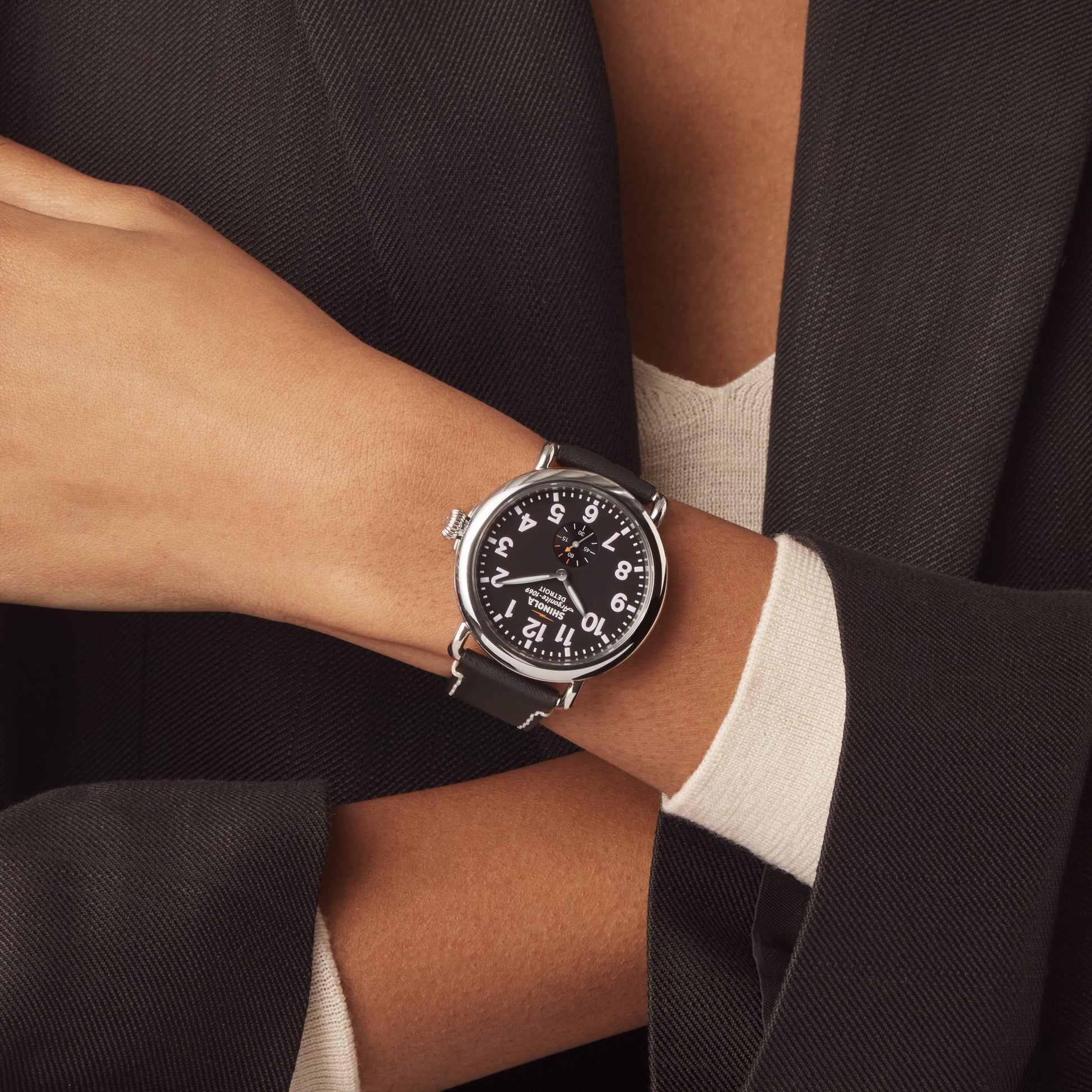
Different Shinola models have slight variations in crown function and layout. Know yours to avoid confusion.
Shinola Runwell 47mm
- Uses screw-down crown.
- Requires full unscrew, adjust, re-screw process.
- Water resistant to 50m. Ensure crown is fully sealed.
Monster Dive Automatic 39mm
- Features screw-down crown at 3 o’clock.
- Designed for durability. Still requires gentle handling.
- Ideal for daily wear, but always check crown seal after adjustment.
Runwell 36mm and Chronograph Models
- Most have screw-down crowns, even in smaller sizes.
- Chronograph pushers are separate. Do not confuse with crown.
- Follow same unscrew and set procedure.
Monster Worldtimer GMT
- Supports dual time zones.
- Standard crown adjusts local time.
- Additional 24-hour ring may require separate calibration. Refer to manual.
Quick Reference: When in doubt, consult your model is manual, especially for limited editions or complex dials.
Prevent Damage with Proper Care
A Shinola watch is built to last, but improper handling can lead to avoidable issues. Follow these care tips to protect your investment.
Always Reseal the Crown
- An open or loose crown allows dust, moisture, and debris inside.
- This can corrode movement parts or fog the crystal.
- Make crown sealing part of your routine after any adjustment.
Never Force a Stiff Crown
If the crown will not unscrew or pull out:
- Confirm it is a screw-down type.
- Ensure you are turning counterclockwise.
- Try using a rubber grip pad for better traction.
- If still stuck, stop. Forcing it can damage the stem or case.
Clean the Crown Area Regularly
- Wipe the crown and surrounding case with a soft, dry cloth.
- Prevents lint and dirt from entering screw threads.
- Do this monthly or after exposure to sweat, water, or dust.
When to Seek Professional Help
Contact Shinola support or an authorized dealer if:
- The crown feels gritty or wobbly.
- It will not stay screwed in.
- The date fails to change despite correct setting.
- The watch loses time after adjustment, which may indicate loose crown.
Troubleshoot Common Issues
Even with care, issues can arise. Here is how to fix them quickly.
Crown Will Not Pull Out
- Cause: Likely a screw-down crown not unscrewed.
- Fix: Turn counterclockwise firmly until it releases.
- Tip: Use a microfiber cloth for better grip.
Date Not Changing
- Cause: Time not set past midnight.
- Fix: Advance hands past 12:00 AM to trigger roll-over.
- Avoid: Adjusting between 9 PM and 3 AM.
Crown Feels Stiff or Sticks
- Cause: Dirt in threads or lack of lubrication.
- Fix: Clean gently with dry cloth. Do not use liquids.
- Warning: Persistent stiffness requires professional servicing.
Watch Loses Time After Setting
- Cause: Crown not fully secured.
- Fix: Recheck and re-screw until snug.
- Test: Gently tug crown. If it moves, it is not tight enough.
Final Tips for Shinola Watch Longevity
Your Shinola watch is more than a timepiece. It is a statement of craftsmanship. Keep it running smoothly with these habits.
Follow the 9 PM to 3 AM Rule
Avoid setting time or date during this window to protect the movement. If you must, advance past midnight to align the date correctly.
Practice the Unscrew Motion
If you are new to screw-down crowns, practice unscrewing and pulling gently. It may feel stiff at first. This is normal and ensures a tight seal.
Use Official Resources
- Download the Shinola Watch Manual. Page 6 covers time and date setting.
- Watch official video tutorials on Shinola is YouTube channel.
- Keep the manual handy for model-specific guidance.
Know When to Step Back
If something feels off, unusual resistance, misaligned hands, or fog under the crystal, stop and contact Shinola Customer Service or an authorized repair center.
Frequently Asked Questions About Adjusting Time on Shinola Watches
How do I know if my Shinola has a screw-down or push-down crown?
Gently try to pull the crown out. If it does not move easily, it is likely a screw-down crown and must be unscrewed first by turning it counterclockwise. If it pulls out smoothly, it is a push-down crown.
Can I damage my Shinola watch by adjusting the time incorrectly?
Yes. Forcing a stiff crown, adjusting between 9 PM and 3 AM, or failing to reseal a screw-down crown properly can damage the movement or compromise water resistance. Always follow the correct procedure for your crown type.
Why does my Shinola watch lose time after I set it?
This is usually caused by the crown not being fully secured. For screw-down models, ensure you have screwed it in until snug and flush with the case. A loose crown can affect the movement is accuracy.
Do all Shinola watches have date functions?
No. Some Shinola models only display time, while others include a date window. Check your specific model is documentation to confirm whether your watch has date functionality.
What should I do if the crown feels gritty or stuck?
Do not force it. Clean the crown area gently with a soft, dry cloth. If the problem persists, contact Shinola customer service or an authorized dealer for professional servicing.
Where can I find the official manual for my Shinola watch?
Downloadable instructions are available in the Shinola Watch Manual, specifically page 6. You can find this on Shinola is official website under the support or resources section.
Key Takeaways for Adjusting Time on Your Shinola Watch
Adjusting the time on your Shinola watch should be quick, safe, and routine. By identifying your crown type, whether screw-down or push-down, and following the correct steps, you protect both accuracy and durability. Always unscrew before pulling on screw-down models, avoid the 9 PM to 3 AM date change window, and ensure the crown is fully resealed after adjustment. Whether you own a classic Runwell or a rugged Monster Dive, a few seconds of care goes a long way in preserving your watch is performance for years to come. When in doubt, consult your model is manual or reach out to Shinola customer support for assistance.



