
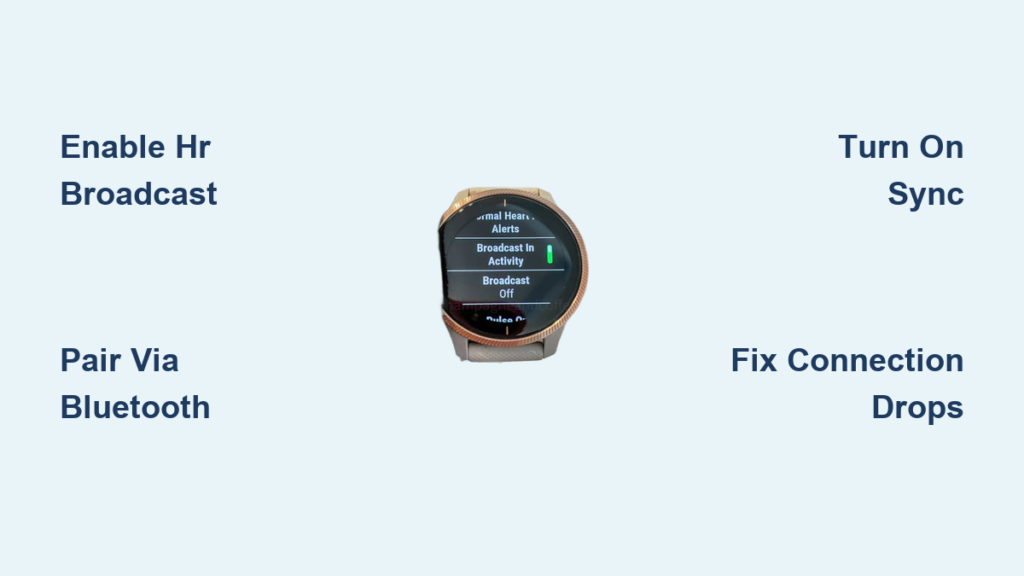
If you’re wondering how to connect garmin watch to peloton, you’re not alone. Thousands of fitness enthusiasts want seamless integration between their Garmin’s advanced training analytics and Peloton’s immersive classes. Good news: As of late 2023, native two-way syncing is live, allowing you to broadcast heart rate in real time and automatically send Peloton workouts to Garmin Connect. No more juggling apps or relying solely on third-party tools.
This guide walks you through every step: from pairing your watch to Peloton for live Strive Score tracking, to enabling full post-workout data sync, troubleshooting drops, and maximizing metric accuracy. Whether you’re using a Forerunner, Fenix, Venu, or Instinct, this is your complete roadmap to unified fitness tracking.
Pair Garmin Heart Rate to Peloton for Live Strive Score
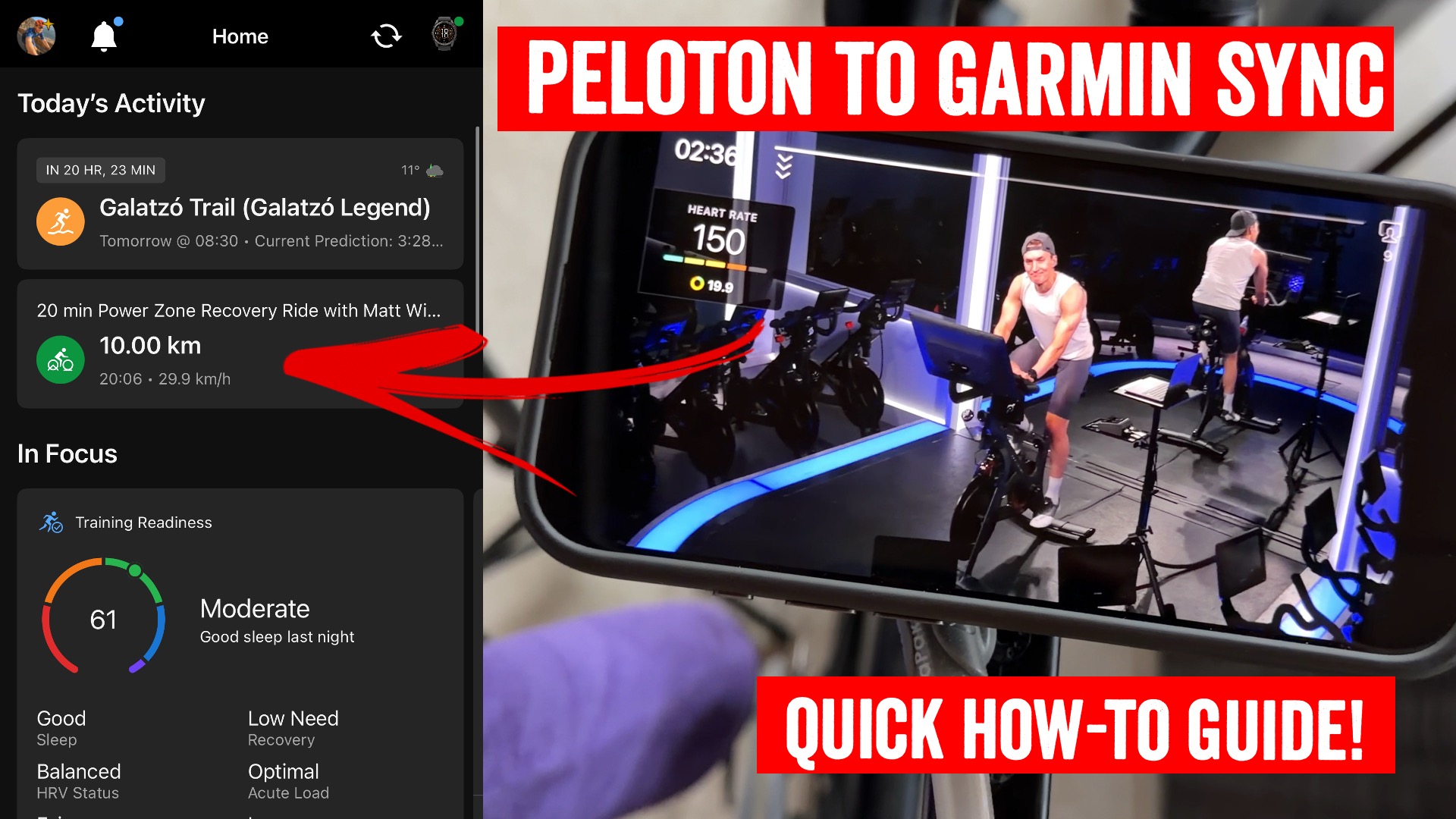
Broadcast your Garmin watch’s real-time heart rate directly to your Peloton bike, Tread, or app for accurate Strive Score and zone feedback during classes.
Enable Heart Rate Broadcast on Your Garmin Watch
- Press and hold the up button on your watch.
- Navigate to Settings, then Sensors & Accessories, then Wrist HR.
- Select Broadcast HR and choose your current workout type.
- Tap Start to begin broadcasting.
Supported models include Forerunner 245, 255, 945, and 955, along with Fenix 6, 7, and 8, Venu 2 and 3, Instinct 2 and 2X, and Epix Gen 2 and 3.
Connect to Your Peloton Device
- On your Peloton touchscreen, start a class.
- At the Start Screen, tap “Heart rate not connected.”
- Navigate to Settings, then Bluetooth Devices.
- Wait for your Garmin watch to appear in the list and select it.
- Confirm pairing if prompted on either device.
Fix Common Connection Issues
- No signal: Clean the sensor lens and ensure a snug wrist fit.
- Drops mid-ride: Turn off phone Bluetooth before starting to prevent interference.
- Delayed sync: Wait up to 30 seconds for initial handshake; restart both devices if needed.
- Still not working: Update your watch firmware via Garmin Express or the Garmin Connect app.
Pro Tip: For more stable readings during HIIT classes, use a Garmin HRM-Dual chest strap instead of wrist-based heart rate.
Enable Native Peloton-to-Garmin Sync for Automatic Workout Transfer

Get your completed Peloton rides, runs, and classes into Garmin Connect automatically. Once enabled, your workouts contribute to Training Load, Recovery Time, and Endurance Score.
Turn On Native Sync in the Peloton App
- Open the Peloton App on iOS or Android.
- Tap your Profile icon in the bottom right corner.
- Tap the More icon in the top right.
- Go to Settings, then Connected Apps & Devices.
- Find and tap Garmin Connect.
- Log in to your Garmin account.
- Toggle on Sync from Peloton to Garmin (this is critical for auto-import).
- Leave Sync from Garmin to Peloton off unless you want historical Garmin workouts in Peloton.
Workouts appear in Garmin Connect within minutes of completion. No need to record anything on your watch during the class.
What Data Syncs Between Peloton and Garmin
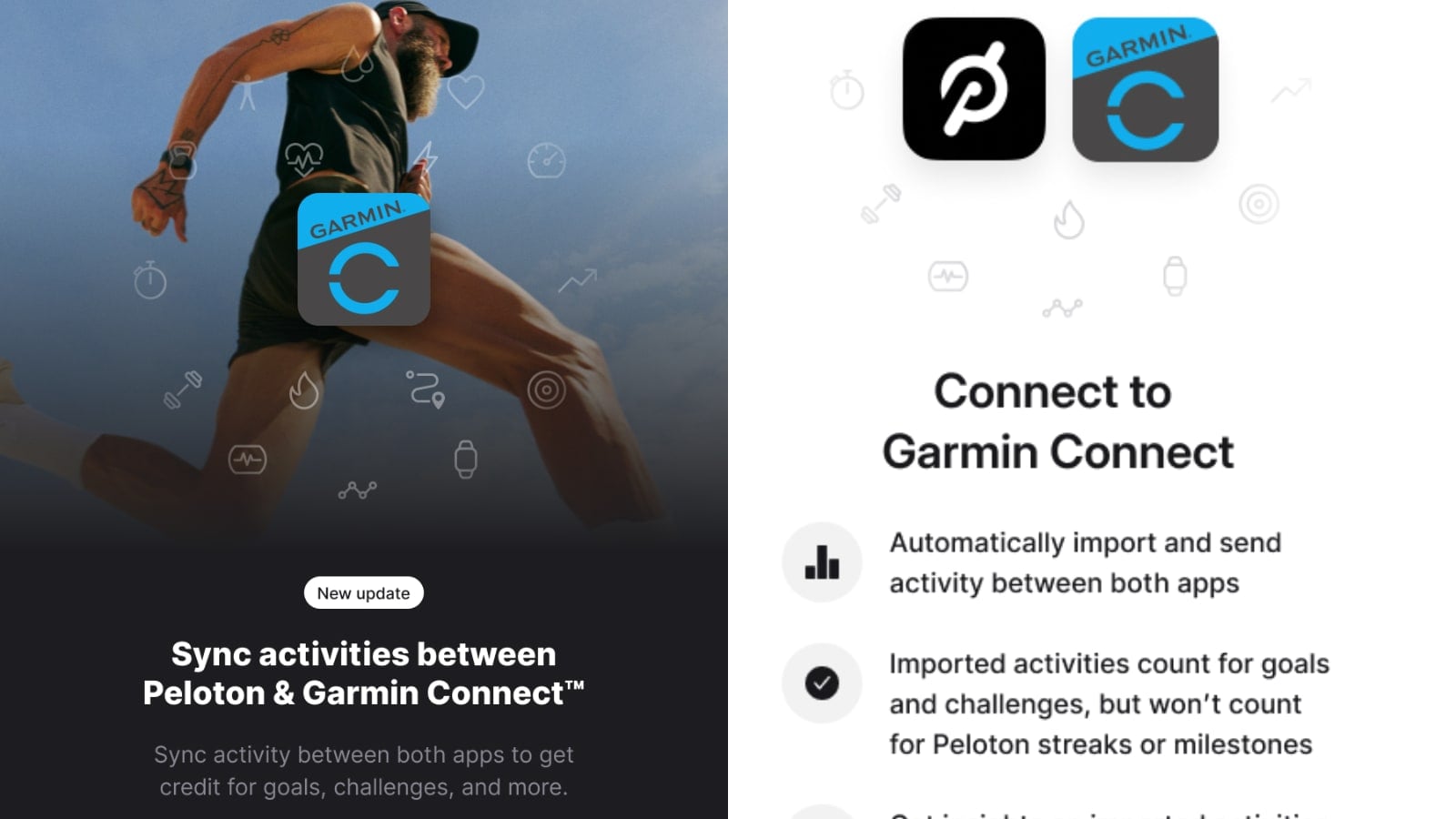
The depth of data transferred depends on your equipment and sensors. Here’s what gets pulled in automatically.
Synced Metrics Overview
| Category | Synced? |
|---|---|
| Workout Type | Yes |
| Class Title and Instructor | Yes |
| Duration | Yes |
| Average and Second-by-Second HR | Yes |
| Time in Heart Rate Zones | Yes |
| Aerobic/Anaerobic Training Effect | Yes |
| Total and Active Calories | Yes |
| Cadence (RPM) | Yes (Peloton Bike only) |
| Power (Watts) | Yes (Peloton Bike only) |
| Resistance | Yes (logged, not graphed) |
| Training Load | Yes |
| Recovery Time | Yes |
| Training Status | Yes |
| Endurance Score | Yes |
Calorie Discrepancy Alert: Peloton reports total calories (includes BMR), while Garmin logs active calories only. In testing, a 262-calorie Peloton ride showed as 237 active calories in Garmin. This gap is normal and grows with longer, more intense workouts.
Required Equipment and Compatible Garmin Models
Make sure you have the right gear before attempting to connect garmin watch to peloton.
Required for Full Sync
- Garmin Watch with optical HR and Bluetooth: Forerunner, Fenix, Venu, Instinct, or Epix series
- Peloton App or Bike/Tread (latest version)
- Bluetooth enabled on your Peloton device
- Garmin Connect app updated to latest version
Recommended Add-Ons for Enhanced Tracking
- Garmin Speed and Cadence Sensor: Adds cadence when using Peloton App on non-Peloton bikes
- Garmin HRM-Dual: More accurate heart rate for Training Status and Recovery metrics
- Wahoo KICKR or similar: Use with Peloton App, though Peloton does NOT ingest third-party power data
Note: Even with power pedals connected, Peloton App ignores external power input. Only Peloton Bike and Bike+ power syncs to Garmin.
Troubleshoot Garmin-to-Peloton Connection Problems
Having trouble getting your devices to talk to each other? Try these solutions.
Heart Rate Not Appearing on Peloton
- Verify Bluetooth is enabled on your Peloton device.
- Confirm Broadcast HR is active on your Garmin (look for the Bluetooth icon).
- Ensure no other devices are competing for the connection.
- Restart both devices and try again.
Connection Drops Mid-Workout
The most common cause is phone Bluetooth interference. Turn off Bluetooth on your smartphone before starting your Peloton class. If drops persist, check for firmware updates on your watch or consider using a chest strap for more stable readings.
Sync Delay or Missing Workouts in Garmin Connect
Workouts should appear within minutes. If missing, verify that native sync is enabled in your Peloton app settings. Check that both apps are updated and that you’re logged into the correct accounts on both platforms.
Alternative Sync Methods If Native Integration Fails
While native sync works for most users, some prefer or need alternatives for full metric fidelity.
SyncMyWorkouts (SMW)
This subscription service syncs Peloton to Garmin within minutes while preserving power zones, effort score, and resistance data. It also supports Strava deduplication to prevent duplicate posts.
Setup is straightforward: create an account at syncmyworkouts.com, connect both Peloton and Garmin accounts, and enable auto-sync. The annual subscription costs around $10 and eliminates the need for manual file management.
peloton-to-garmin (Free Open Source)
For tech-savvy users comfortable with command-line tools, this GitHub project offers free, private syncing. However, setup requires Docker and basic technical knowledge, making it unsuitable for beginners.
RunGap (iOS Only)
This app syncs Strava activities to Garmin Connect. Use it if you already share Peloton workouts to Strava and want that data pushed to Garmin automatically.
Hybrid Workflows for Power Users
Many advanced users combine methods for maximum data accuracy and control.
Garmin as Your Central Hub
Start an Indoor Cycling workout on your Garmin watch, broadcast heart rate to Peloton, then use SyncMyWorkouts to import full class data. This gives you complete metrics in Garmin while using Peloton solely for the class experience.
Strava as the Middleman
Finish your Peloton class, share to Strava, then use SMW or RunGap to push the data to Garmin. Delete the duplicate on Strava if needed to keep your records clean.
Dual Tracking (No Sync)
Run the Peloton app and Garmin Indoor Bike workout simultaneously and accept two separate entries. Compare metrics post-ride if data alignment isn’t critical for you.
Known Limitations and Workarounds
Even with native sync, be aware of these gaps.
No Dedicated Spinning Activity Type
Garmin lacks a dedicated spinning profile. Use Indoor Bike instead, but expect speed and distance fields to show confusing data. Manually edit the activity in Garmin Connect to hide irrelevant fields if needed.
Peloton App Ignores Third-Party Power
Even with Wahoo or Garmin power meters, Peloton App does not ingest power data. Only Peloton Bike and Bike+ power syncs properly.
Security Concerns with Third-Party Tools
Services like SyncMyWorkouts require your Peloton username and password. Use strong, unique credentials and enable two-factor authentication to protect your account.
Maximize Your Integration: Best Practices
Get the most out of your connected garmin watch to peloton setup with these tips.
For Casual Users
- Broadcast HR from Garmin to Peloton for live Strive Score
- Enable native Peloton-to-Garmin sync
- Skip third-party tools unless needed
For Data-Driven Athletes
- Use SyncMyWorkouts for full metric retention
- Add Garmin cadence sensor for non-Peloton bikes
- Wear HRM-Dual chest strap for accurate recovery metrics
- Manually enter distance post-ride for better speed accuracy
Pro Tips: Turn off phone Bluetooth before every ride, name Garmin workouts clearly (like “Peloton Cycling – FTP Test”), check Training Load weekly to confirm sync is working, and use Garmin’s Daily Summary widget to track readiness.
Frequently Asked Questions About Connecting Garmin to Peloton
Does Garmin sync automatically to Peloton?
Yes, you can enable native sync in the Peloton app settings. Go to Settings, then Connected Apps & Devices, then Garmin Connect, and toggle on Sync from Peloton to Garmin. This sends completed workouts to Garmin Connect automatically.
Why is my Garmin heart rate not showing on Peloton?
First, verify that Broadcast HR is enabled on your Garmin watch. Then ensure Bluetooth is turned on for your Peloton device. If still not working, try restarting both devices and make sure your watch firmware is updated.
Can I use a Garmin chest strap with Peloton?
Yes, Garmin chest straps like the HRM-Dual work well with Peloton. They provide more stable heart rate readings than wrist-based sensors, especially during high-intensity intervals.
What Peloton data goes into Garmin Connect?
Workout type, class title, instructor, duration, average heart rate, second-by-second HR data, time in HR zones, calories, cadence (Peloton Bike only), power (Peloton Bike only), and Garmin training metrics like Training Load and Recovery Time all sync over.
Does Peloton work with Garmin Fenix?
Yes, all Garmin watches with optical heart rate and Bluetooth capability, including the Fenix series, work with Peloton for heart rate broadcasting and native workout syncing.
Why don’t my calories match between Peloton and Garmin?
Peloton reports total calories (including BMR), while Garmin shows active calories only. This results in a 10-20% difference depending on workout duration and intensity, which is normal.
Key Takeaways for Connecting Garmin Watch to Peloton
Connecting your Garmin watch to Peloton is now easier and more powerful than ever. The native sync delivers exactly what users have been asking for: automatic workout transfer, real-time heart rate broadcasting, and full training metric updates including Training Load, Recovery Time, and Endurance Score.
While serious athletes may still benefit from SyncMyWorkouts or external sensors for complete data fidelity, casual users can rely on built-in features with confidence. Remember to disable phone Bluetooth before rides, enable native sync in the Peloton app, and use a chest strap if you experience connection drops during high-intensity classes.
Set it up once, and let your data work for you. Your Garmin and Peloton integration will pay off with better training insights and a unified fitness dashboard.



