
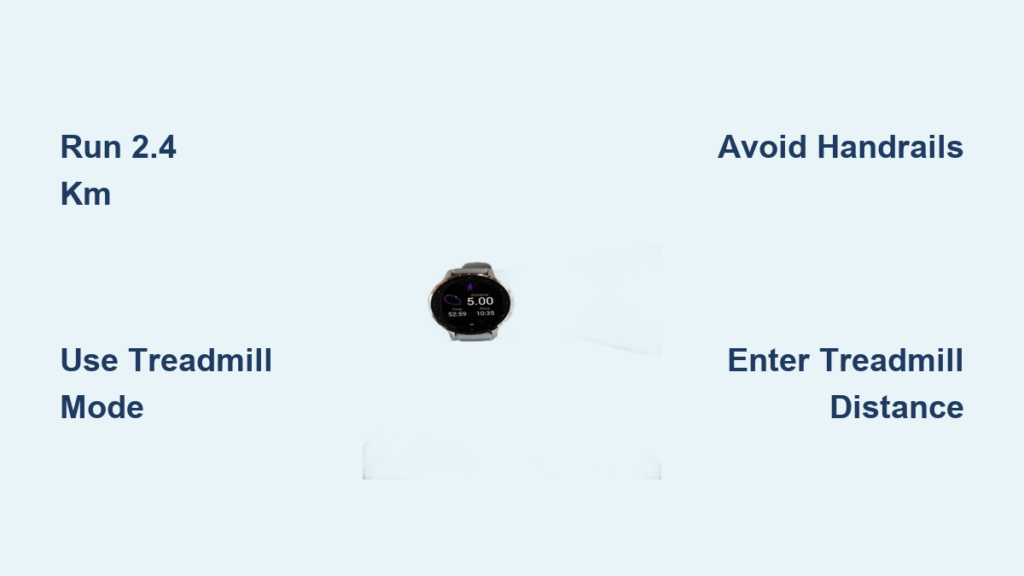
If you have ever noticed your Garmin watch showing a different distance or pace than your treadmill, you are not alone. Many runners struggle with mismatched metrics during indoor workouts. The good news is that you can calibrate your Garmin watch on a treadmill to improve tracking accuracy. This guide walks you through the exact steps, explains why calibration matters, and helps you fix common issues so your data matches reality.
Calibrating your Garmin watch ensures it learns your stride indoors, where GPS is not available. Instead, it relies on the accelerometer and your movement patterns to estimate distance and pace. Without calibration, your watch may under- or overestimate your performance, especially if you have not done outdoor runs recently. By aligning its internal sensor data with your treadmill display, you get more reliable training insights for pacing, progress tracking, and race prep.
Meet Garmin Treadmill Calibration Requirements
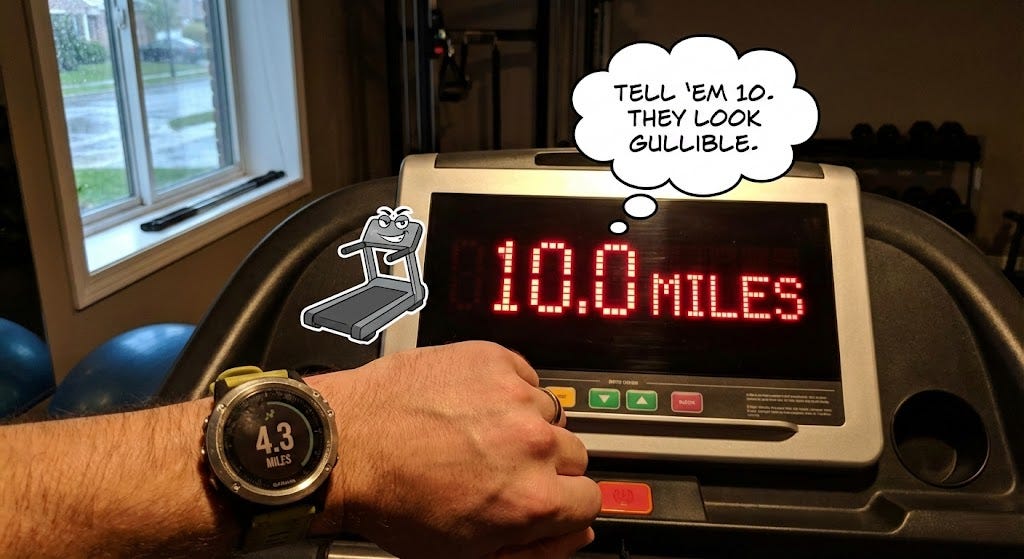
Before you can calibrate, your watch checks several conditions. If any are missing, the Calibrate and Save option will not appear.
Run the Minimum Distance Required
Your watch must record enough distance according to its own sensors, not the treadmill display.
- Older models like Forerunner 235, 935, and Vivoactive 3 require at least 1.5 km
- Newer models like Forerunner 245, 255, 265, Fenix 6, 7, 8, Venu 3, and Epix Gen 2 require at least 2.4 km
Even if the treadmill shows 3 km, your watch might only register 1.6 km due to poor initial accuracy, especially on first use.
Use the Correct Activity Type
Start your workout using Treadmill or Indoor Run. Using Outdoor Run, Cardio, or generic Run disables treadmill-specific calibration.
Complete Your First Workout First
The first treadmill session will not offer calibration. Save it normally. On your next run, if distance and activity type match, the option will appear.
Avoid External Sensors
Foot pods or advanced HRM straps that report speed and distance override internal calibration. Disconnect them before starting your treadmill activity.
Start Your Treadmill Activity Correctly
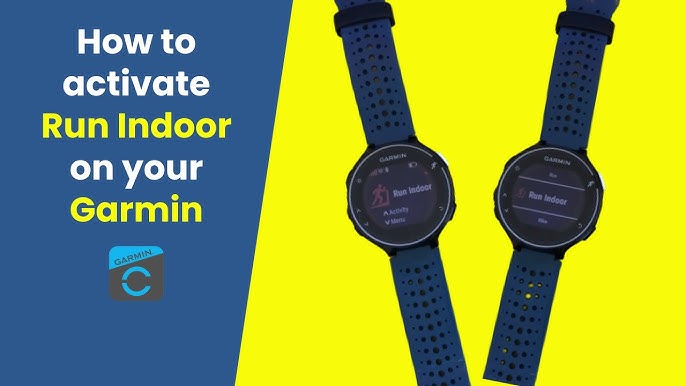
Using the right profile is essential for calibration access.
Select Indoor Run Mode
From the watch menu, press Start, scroll to Run, then select Indoor or Treadmill, and begin recording.
Keep your arms moving naturally throughout the run. Hold nothing and let your arms swing freely. Holding handrails reduces motion detection, and the accelerometer relies on arm movement to estimate stride.
Avoid stopping or pausing frequently. Continuous motion improves data quality and increases your chances of successful calibration.
Trigger the Calibrate and Save Option
Calibration happens after you finish your workout, not during it.
End Your Workout Properly
Press Stop when you are done. Wait for the summary screen to load, which shows time, pace, and distance. Scroll through the options.
If you are eligible, you will see Calibrate and Save. The wording may vary slightly by language or firmware version. This option will not appear later in Garmin Connect or during the run.
Enter the Treadmill Displayed Distance
When prompted, select Calibrate and Save. Input the exact distance shown on your treadmill. Confirm the units, which are auto-converted if needed.
The watch saves the workout and updates accelerometer sensitivity and stride length at that pace. Future runs at similar speeds will track more accurately.
Fix Missing Calibrate Option on Garmin
The Calibrate and Save option not appearing? Here is why and how to fix it.
Watch Did Not Record Enough Distance
Even long treadmill runs fail if the watch underestimates early on. Run longer until the watch-reported distance hits 2.4 km on newer models. Repeat over two to three sessions to build better stride memory.
Used Wrong Activity Profile
Cardio or Outdoor Run profiles do not enable calibration. Always pick Treadmill or Indoor Run. Check past activities and rename incorrect ones in Garmin Connect.
Held Handrails During Run
Restricted arm swing confuses the sensor. Keep your hands off rails. If you must hold them, do so only briefly and avoid calibrating that session.
External Sensors Were Connected
Foot pods or certain HRM straps disable internal calibration. Turn off or remove such devices before treadmill runs. Re-run without them to enable calibration.
Firmware Is Outdated
Old software may lack updated calibration logic. Update via Garmin Express on PC or Mac, or through the Garmin Connect app. Restart the watch after updating.
It Was Your First Treadmill Run
Calibration is locked on first use. Save normally and try again on your next run.
Improve Garmin Treadmill Accuracy Without Calibration
Cannot calibrate? Try these alternatives.
Manually Edit in Garmin Connect
You can adjust displayed data, but this will not fix future tracking. Open the activity in Garmin Connect app or web, click Edit, change distance, duration, or average pace, and save. This only alters history, not your next run.
Use Outdoor GPS Runs to Retrain Watch
Garmin learns stride length from real-world GPS data. Do one to two outdoor runs per week, even just 1 to 2 km helps. GPS gives ground-truth distance, and the watch correlates it with accelerometer input. This automatically improves indoor estimates over time.
Recalibrate After Fitness Changes
Improved fitness means longer strides, which makes old calibration inaccurate. Recalibrate when you have gotten faster, changed running form, or started using a new treadmill.
Optimize Treadmill Tracking Long Term
Want consistent, reliable data? Follow these habits.
Run at Least 2.4 km Per Session
Newer watches need 2.4 km of recorded distance. Short runs do not trigger calibration. Longer runs provide better data for learning.
Use the Same Treadmill Regularly
Different machines have varying belt lengths, motor responses, and incline behaviors. Your watch adapts to one machine faster. Switching often resets accuracy.
Calibrate at Multiple Paces
One calibration only optimizes for that speed. For full-zone accuracy, calibrate at easy pace around 6 mph and at tempo or interval pace around 8 to 9 mph. This builds a more complete stride model across training zones.
Validate Treadmill Accuracy
Your treadmill might be wrong. Test it by marking a spot on the belt, counting revolutions in one minute at 6 mph, and multiplying by belt length. Compare to expected distance. Or place a GPS-enabled phone near the belt, though results vary indoors.
Supported Garmin Devices and Limits
Most Garmin watches support treadmill calibration, but details vary.
Compatible Models
The Forerunner series includes 235, 245, 255, 265, 45, 55, 935, 945, and 955. The fenix and epix series include fenix 6, 7, 8, and epix Gen 1 and Gen 2. The vivoactive and venu series include vivoactive 4 and 5, venu 2 and 3, and venu Sq and Sq 2. The Instinct series includes Instinct 2 and 3 with running profiles enabled.
What Calibration Does NOT Affect
After calibration, distance and pace improve in future runs. However, there is no change to heart rate, calories, cadence, or lap data. Calibration does not fix past laps or workouts. The watch works independently and does not sync with the treadmill console.
Frequently Asked Questions About Garmin Treadmill Calibration
Can I calibrate my Garmin watch mid-run?
No. Calibration is only available after pressing Stop and meeting the distance requirements.
Does walking count for treadmill calibration?
Yes, if it meets minimum distance. But walking stride differs from running. Consider separate calibration for walk and run workouts.
What if I entered the wrong treadmill distance?
Bad input skews future accuracy. Fix it by doing multiple outdoor GPS runs to retrain the sensor, then repeating calibration with correct data.
Does treadmill incline affect calibration?
Not directly, but incline changes stride. Best to calibrate at your typical training incline.
Do foot pods help with Garmin treadmill calibration?
No. They disable internal calibration. Use them only when you do not need to calibrate.
Why does my pace jump after calibration?
Ghost calibration, or skipping input without entering data, causes errors. Always enter the real treadmill distance. If already done, reset with outdoor runs.
Key Takeaways for Calibrating Your Garmin on a Treadmill
Calibrating your Garmin watch on a treadmill is simple, but it only works when conditions align. Run far enough, avoid handrails, use the right activity profile, and enter accurate distance data from your treadmill display. Combine treadmill calibration with regular outdoor GPS runs for the most precise indoor tracking.
The minimum distance requirement varies by model. Newer watches need at least 2.4 km, while older models require 1.5 km. Always use the Treadmill or Indoor Run activity profile, and keep your arms moving naturally without holding handrails.
Over time, your watch will deliver reliable, actionable insights so you can train smarter, race faster, and track progress with confidence. Recalibrate every three to six months or whenever your fitness level changes significantly.



