

If your Fitbit isn’t tracking your heart rate, you’re not alone. Many users report the heart rate monitor failing—showing a blank reading, a stuck value like 87 bpm, or no data at all—while the rest of the device works fine. This issue affects multiple models, including the Fitbit Versa 2 and Fitbit Sense, and can stem from simple fixes to deeper hardware faults. The good news? Most cases can be resolved with targeted troubleshooting. Whether your sensor stopped working suddenly or degraded over time, this guide walks you through every proven fix from cleaning the sensor to resetting firmware so you can restore accurate heart rate tracking fast.
Check Physical Fit and Placement

A poor fit is one of the most common reasons the heart rate monitor fails. Fitbit uses green LED lights to detect blood flow, and any gap between the sensor and your skin disrupts the signal.
Ensure Snug Wrist Contact
Wear the band snugly but not tight. It should stay in place without sliding, and you shouldn’t feel restricted. If the device moves when you flex your wrist, tighten the band slightly. The goal is consistent skin contact, especially during movement.
Position Above the Wrist Bone
For accurate readings, wear your Fitbit just above the wrist bone on the underside of your forearm. During exercise, move it two finger-widths higher to maintain contact as your wrist flexes. Avoid wearing it too high or too low, where bone or tendons interfere with the sensor.
Prevent Light Leakage
Check the back of the device. If you see green LED lights glowing outward, the seal isn’t tight. Light leakage means ambient light is interfering with the sensor. Adjust the fit until the lights are no longer visible from the side.
Clean the Sensor Lens

Dirt, sweat, lotion, or oils can block the optical sensor and cause false readings or total failure.
Use a Lint-Free Cloth
Power off your Fitbit and wipe the back, especially the sensor cluster, with a soft dry lint-free cloth. For stubborn residue, slightly dampen the cloth with water or mild soap, then dry thoroughly. Never use alcohol or abrasive cleaners.
Inspect for Buildup
Look closely at the sensor window. If you see a cloudy film or grime, clean it gently in circular motions. Recheck heart rate after cleaning. Many users restore function with this simple step.
Restart and Re-Enable Heart Rate
Sometimes the sensor driver hangs. A precise reset sequence can force it to reconnect.
Turn Off Heart Rate in Settings
On your Fitbit, swipe left from the clock face to open Settings. Scroll to Heart Rate and tap to switch it to Off.
Sync With the Fitbit App
On your phone, open the Fitbit app and tap your Account icon. Select your device and tap Sync Now. Wait for completion.
Turn Heart Rate Back On
Return to your Fitbit and go back to Settings then Heart Rate. Switch it to On.
Sync Again and Restart
Back in the app, tap Sync Now once more. Then power off your Fitbit, wait 10 seconds, and power it back on. Wait 30 seconds. Your heart rate should now appear and update dynamically.
Update Firmware and App
Outdated software can cause sensor bugs. Updating often resolves silent glitches.
Check for Device Updates
In the Fitbit app, tap your profile and select your device. Look for Update under device settings. If available, install it. Ensure your Fitbit has over 50% battery and stays near your phone.
Update the Fitbit App
Go to your phone’s app store and search Fitbit. Update if prompted. New app versions fix compatibility issues and improve data handling.
Verify Phone App Permissions
Even if your Fitbit works, incorrect phone settings can block data from displaying.
Enable Location Services on Android
On Android, Bluetooth scanning requires location access. Go to Settings then Apps then Fitbit. Tap Permissions and turn on Location.
Allow Bluetooth and Background Data
Ensure the Fitbit app has Bluetooth access, background data enabled, and notifications on. Without these, syncing can fail silently, making it seem like the sensor is broken.
Disable Interfering Modes
Certain features suppress sensor activity to save power or reduce distractions.
Turn Off Do Not Disturb
On your Fitbit, swipe down from the clock face and tap the moon icon to disable Do Not Disturb.
Exit Sleep Mode
If Sleep Mode is active, the heart rate sensor may reduce sampling. Swipe up from the clock face and tap the bed icon to end Sleep Mode. Test heart rate immediately after disabling both.
Try the Always-On Display Hack
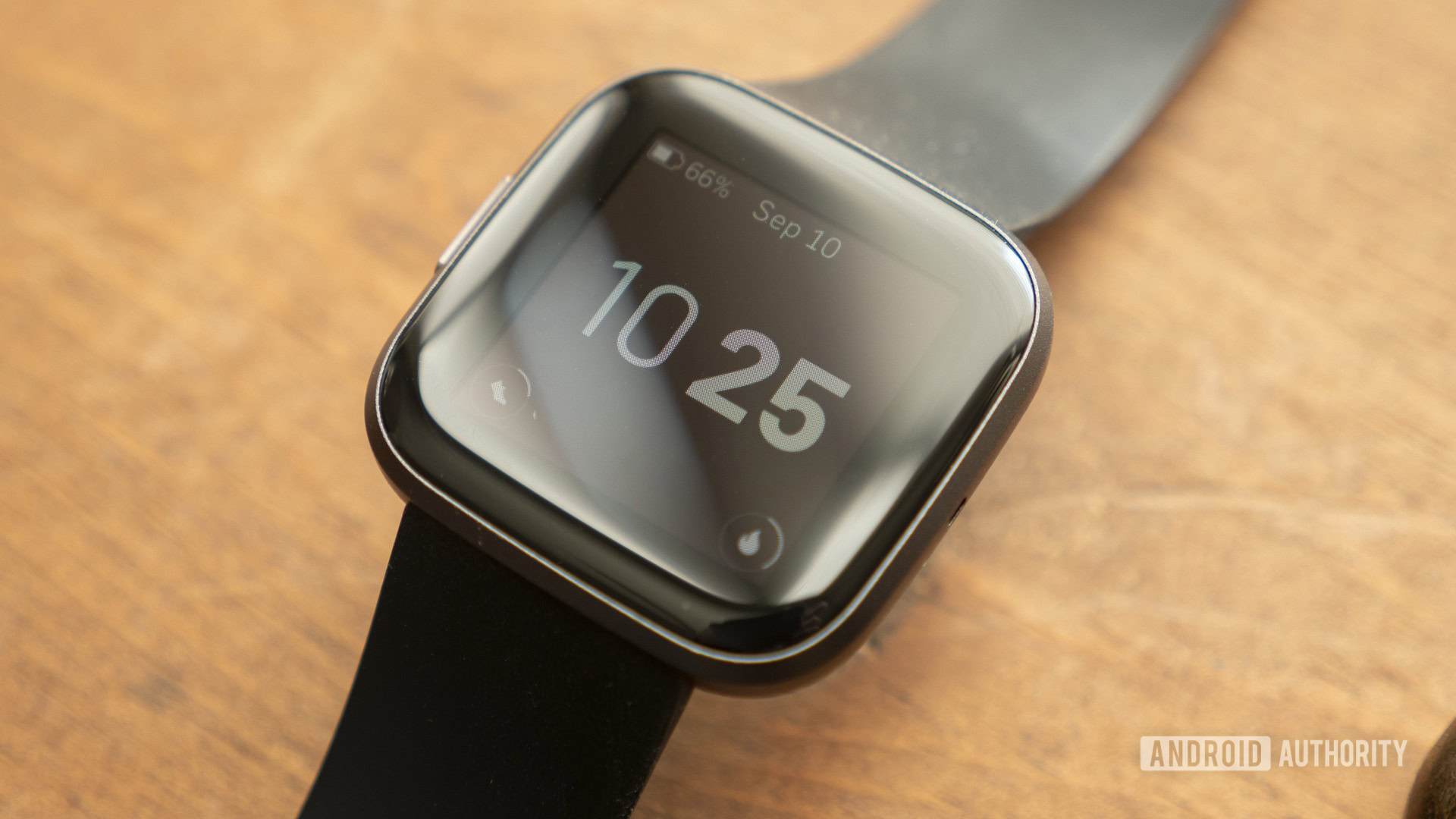
Some users find that deep sleep modes freeze the sensor driver. Enabling Always On prevents this.
Enable Always On
On your Fitbit, open Settings. Tap Display then Always On. Choose Show clock or Dim clock.
Repeat Toggle-and-Sync
After enabling, go through the full Toggle-and-Sync process again. Turn HR off, sync, turn HR on, sync, then restart. This combination has revived stuck sensors on Versa 2 and Sense models.
Perform a Factory Reset
When all else fails, a factory reset wipes corrupted software that may be blocking the sensor.
Backup First
Sync your Fitbit to upload recent data. Unsynced workouts or stats will be lost.
Reset the Device
On your Fitbit, swipe to Settings. Scroll to About and tap Factory Reset. Confirm. Wait for the device to reboot and show the setup screen.
Reconnect to the App
Open the Fitbit app and follow the setup steps. Choose to restore from backup if available. Test heart rate immediately. Do not wait.
When It Is a Hardware Failure
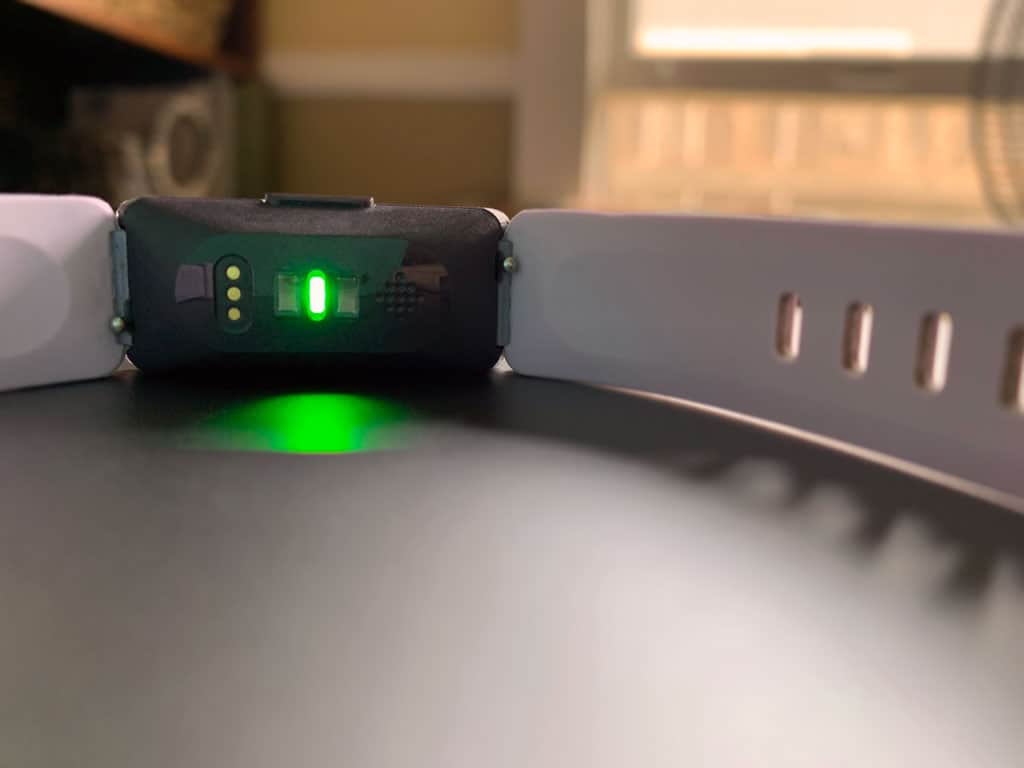
If the heart rate monitor still does not work after cleaning the sensor, adjusting fit, completing the Toggle-and-Sync, updating firmware, and performing a factory reset, then the issue is likely hardware-related.
Signs of Hardware Failure
The sensor lights do not activate. There is no heart rate on screen or in the app. The problem persists across multiple users and wrists. The device is under warranty but still fails after all resets.
Contact Fitbit Support
Visit help.fitbit.com and select your device. Choose Heart Rate as the issue. Follow prompts to chat, call, or submit a ticket. If under warranty, Fitbit often offers free repair or replacement.
Key Takeaways for Fixing Your Fitbit Heart Rate Monitor
Most Fitbit heart rate issues are fixable without replacement. Start with fit and cleaning, then follow the Toggle-and-Sync method. It works for the majority of users. Save the factory reset for last. If nothing works, contact Fitbit. It is likely a hardware defect covered under warranty. With this guide, you now have every tool to diagnose, fix, and prevent heart rate monitor problems. No guesswork needed.
Frequently Asked Questions About Fixing Fitbit Heart Rate Monitor
Why does my Fitbit show a stuck heart rate reading?
A stuck reading often indicates the sensor driver has frozen. Try the Toggle-and-Sync method. Turn heart rate off in settings, sync through the app, turn it back on, sync again, then restart the device. This usually resolves the stuck value issue.
Can a Fitbit heart rate monitor be repaired at home?
Most heart rate issues are software-related and can be fixed at home through troubleshooting steps like cleaning the sensor, adjusting the fit, updating firmware, or performing a factory reset. Hardware failures require professional support or replacement.
Does wearing a Fitbit over a tattoo affect heart rate tracking?
Yes. Dark tattoos directly under the sensor can absorb the green LED light, reducing accuracy or blocking readings entirely. Wear the device slightly above or below the tattooed area for better results.
How do I know if my Fitbit heart rate sensor is broken?
If the sensor lights do not activate when you open heart rate settings, if you see no reading on the screen, and if the problem persists after all troubleshooting steps including a factory reset, the sensor is likely hardware-damaged.
What is the Toggle-and-Sync method for Fitbit?
This is a multi-step reset. Turn heart rate off in settings, sync via the app, turn heart rate back on, sync again, then restart the device. This forces the sensor driver to reinitialize and often fixes stuck or non-functional heart rate monitors.
Will a factory reset delete all my Fitbit data?
A factory reset erases locally stored data on the device, including unsynced workouts and settings. Data already synced to your Fitbit account remains safe in the cloud. You can restore from backup during setup.



