

You pull your Bose Sport Earbuds from the charging case, ready for a workout, and nothing happens. No light. No tone. No Bluetooth connection. The case shows a full charge, yet the earbuds are completely unresponsive. When your Bose Sport Earbuds are not turning on, you’re facing one of the most reported issues with this model.
The root cause usually traces back to battery degradation, dirty charging contacts, or internal logic failure. These earbuds are designed to power on automatically when removed from the case, so any disruption in that chain can leave them dead. This guide walks you through verified troubleshooting steps to diagnose and potentially revive your earbuds before considering replacement.
Verify Charging Case and Battery Status
Before assuming the earbuds are dead, confirm the charging system itself is working properly.
Check Case Charge Level
Ensure the case displays 5 solid white lights. If fewer lights appear, charge the case fully using a known-good USB-C cable and power adapter. A weak case battery cannot deliver enough power to revive deeply drained earbuds.
Observe LED Behavior Inside the Case
When you place the earbuds in the case, watch for these indicators:
– Amber light = Charging in progress
– Solid white light = Fully charged or in sleep mode
– No light at all = Possible dirty or misaligned contacts
If the earbuds show solid white immediately even after days of disuse, this could indicate a false charge reading caused by battery failure.
Test with a Different Charger
Swap your USB-C cable and wall adapter for alternatives you know work. Faulty cables or low-output chargers may fail to fully charge the case, especially after months of regular use.
Clean Charging Contacts Thoroughly
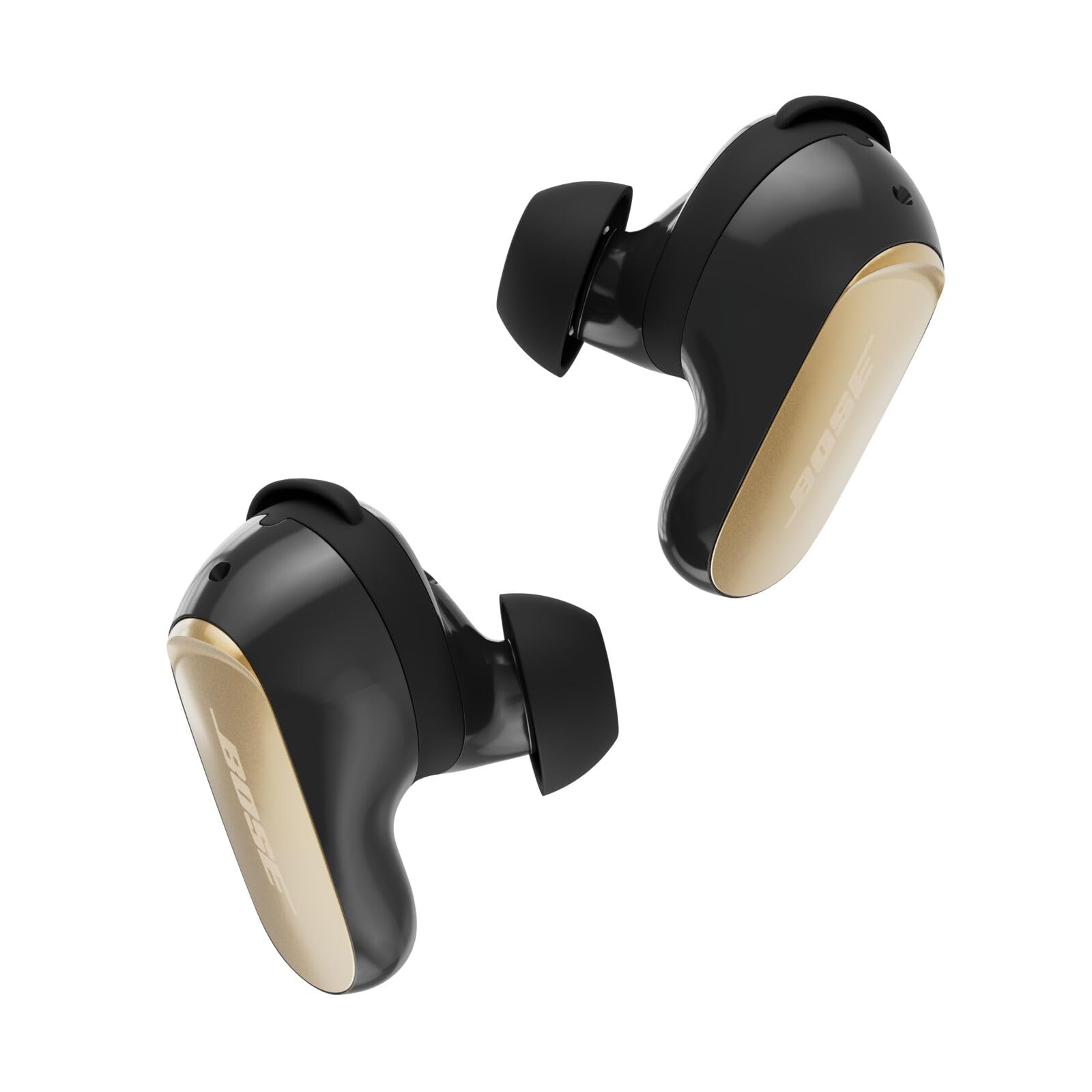
Dirt, sweat, and oxidation rank among the leading causes of charging failure.
Gather Your Supplies
You will need:
– Cotton swabs
– 95% isopropyl alcohol
– A soft, dry cloth
– A bright light source for inspection
Clean the Earbud Contacts
Inspect the gold metal pads on the stem of each earbud. Dip a cotton swab in isopropyl alcohol and gently scrub each contact. Rotate the swab as you clean to avoid redepositing grime. Let the earbuds air dry for at least 5 minutes before reinserting.
Clean the Case Contacts
Open the case and examine the spring-loaded pins inside. Use a dry swab first to remove loose debris. For stubborn residue, lightly dampen the swab with alcohol and clean each pin carefully. Never spray liquid directly into the case.
Reinsert with Proper Alignment
Align the dot on each earbud with the stability band inside the case. Press down until you feel a magnetic snap. Listen for a soft click. Misalignment prevents electrical contact and leads to failed charging sessions.
Perform a Hard Reset
A reset clears corrupted Bluetooth memory and may restore responsiveness to dead earbuds.
Hold the Case Button for 20 Seconds
Place both earbuds in the case and close the lid. Open it, then press and hold the button on the back of the case for 15 to 20 seconds. Watch the earbud LEDs during this process.
- Success sign: Both earbuds flash white briefly
- No response? Repeat the process once more after waiting 30 seconds
This reset clears pairing data and internal logic, but it does not directly turn the earbuds on.
Forget the Device on All Phones
Go to Bluetooth settings on every device that previously paired with your earbuds. Select “Forget This Device” or “Unpair.” Turn Bluetooth off completely on all devices.
Wait 30 seconds, then remove the earbuds from the case. They should enter pairing mode with a flashing white light and appear in your phone’s Bluetooth list.
Try Extended Charging for 3 Days

For earbuds in deep discharge, standard charging may not trigger the power circuit.
Leave Them in the Case for 72 Hours
Place clean, dry earbuds in a fully charged case. Close the lid and leave them undisturbed for up to 3 days. Do not open or check during this period.
Lithium-ion batteries can drop below the safe charging threshold during storage. A long, slow charge may trickle current back into the cells and revive them.
Monitor for Signs of Life
After 72 hours, open the case and remove one earbud. Wait 10 seconds and look for:
– Flashing or solid white light
– Welcome tone or voice prompt
– Appearance in your Bluetooth device list
If one earbud responds, you can proceed to a firmware update.
Update Firmware via the Bose Music App
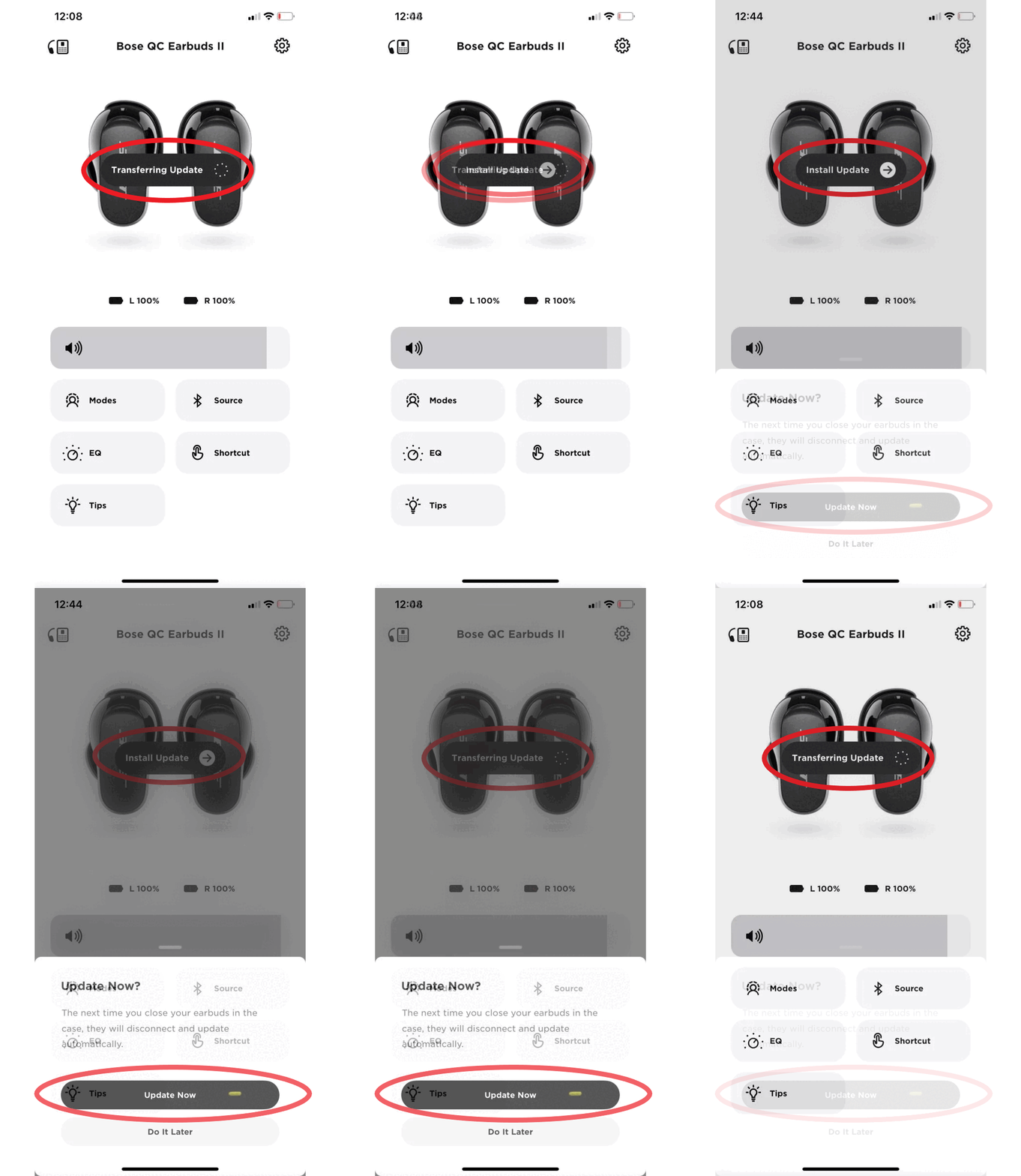
Firmware issues can prevent startup even when power is available.
Connect a Working Earbud
If only one earbud powers on, open the Bose Music app on your phone. Tap “Set Up a New Device” and select your earbud model when it appears.
The app may detect the working earbud and prompt a firmware update.
Allow Full Synchronization
Keep the earbud near your phone and connected to Wi-Fi. The update can take 5 to 15 minutes. Once complete, the second earbud may begin responding if the issue was communication-related.
Note: Firmware updates only work if the logic board has partial functionality. Completely dead units cannot communicate with the app.
Test Each Earbud Separately
Isolating the problem helps determine whether one or both sides are affected.
Remove the Left Bud Only
Take out the left earbud and wait 10 seconds. Check for:
– White LED flash
– Voice prompt saying “Ready to connect”
– Bluetooth visibility on your device
Repeat the same test with the right earbud alone.
Interpret Your Results
- One works, one doesn’t? Likely a failed battery or logic board in the non-responsive unit.
- Neither works? Points to a systemic issue such as case failure, dual battery death, or firmware lockout.
Since the right earbud acts as the primary Bluetooth hub, its failure disables stereo pairing even if the left bud has power.
Diagnose Common Failure Patterns
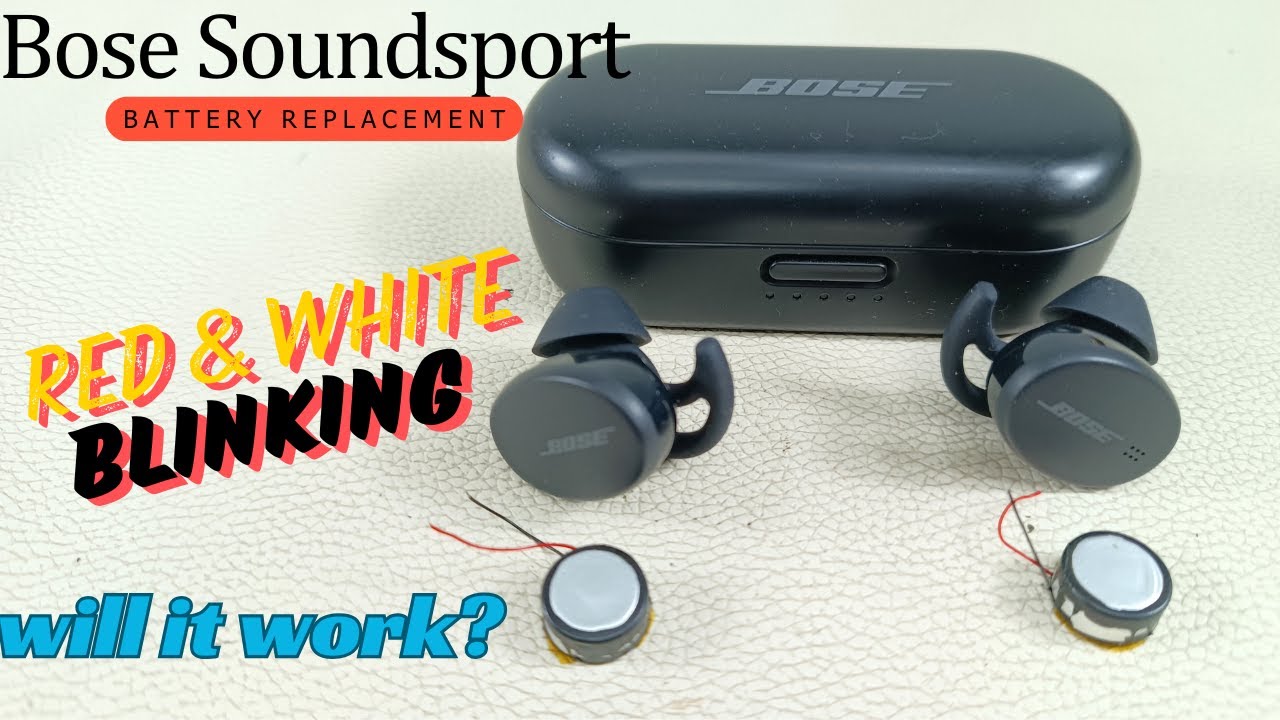
Understanding typical failure modes helps you determine whether repair is realistic.
Right Bud Dies First
Due to its role as the master device, the right earbud handles more processing and battery drain. Users frequently report:
– Right bud stops responding entirely
– Left bud blinks but won’t connect
– Case shows full charge yet no power-on occurs
This pattern strongly suggests right-side battery or logic failure.
Intermittent or Partial Function
Some users report:
– Firmware updates succeed
– Reset lights flash properly
– But no audio or stable connection follows
This indicates a corrupted bootloader or damaged power management IC, both of which are beyond user repair.
Blinking Red and White Lights
If earbuds flash alternating red and white while seated in the case:
– A sync or charging error is likely
– Try cleaning contacts and performing a reset
– If the pattern persists, internal circuitry is probably damaged
Know When to Replace
After exhausting all troubleshooting steps, some failures are irreversible.
Final Checklist Before Replacement
Replace the earbuds if:
– No LED activity appears after a 72-hour charge
– Contacts are clean and properly aligned
– Reset produces no flash at all
– No sound or voice prompts play
– The app fails to detect the device
These signs indicate permanent battery failure or logic board damage.
Bose Support Reality
Bose typically does not repair SoundSport Wireless earbuds (Model 423729). Customer support commonly offers:
– Discounted replacement options
– Full-price upgrades to newer models
– No out-of-warranty repair service
Given the age of this model, repair is rarely economically viable.
Consider Replacement Options
Newer Bose models such as the Bose QuietComfort Earbuds II or Bose Ultra Open offer:
– Better battery management systems
– Improved water resistance ratings
– Enhanced firmware stability
Buying used or single replacement earbuds is risky since most are near or past their 3 to 5 year battery lifespan.
Prevent Future Power Failures
Smart habits can extend the life of your next pair significantly.
Store with Partial Charge
Never store earbuds long-term at 0% or 100%. The ideal storage charge is around 50%.
Use Them Monthly
Even if you don’t need them, power them on and use for 15 minutes every 4 to 6 weeks to prevent deep discharge.
Clean After Every Workout
Wipe earbuds and case contacts with a dry, lint-free cloth after sweating. Perform a deeper clean with isopropyl alcohol once a month.
Keep the Case Closed
Store your earbuds in a cool, dry place with the lid closed to protect contacts and reduce unnecessary battery drain.
Frequently Asked Questions About Bose Sport Earbuds Not Turning On
Why are my Bose Sport Earbuds not turning on even when fully charged?
This usually points to dirty charging contacts, deep battery discharge, or internal logic failure. The case may show a full charge while the earbuds themselves have dropped below the threshold required to power on. Try cleaning the contacts and leaving the earbuds in the case for 72 hours.
Is there a power button on Bose Sport Earbuds?
No. Bose Sport Earbuds have no physical power button. They rely on an automatic sensor that activates when you remove them from the case. If this sensor fails, the earbuds cannot power on through any button combination.
How long should I charge Bose Sport Earbuds that won’t turn on?
Standard charging takes about 2 hours, but for unresponsive units, leave them in a fully charged case for up to 3 days. This extended period can revive batteries that have dropped into a deep discharge state.
Why does only one Bose earbud turn on?
The right earbud acts as the primary Bluetooth hub. If it fails, the left bud cannot establish a stereo connection even if it has power. Try resetting both buds together and updating firmware through the Bose Music app.
Can Bose fix earbuds that won’t turn on?
Bose generally does not repair out-of-warranty units with power issues. Support typically offers discounted replacements or upgrades instead. Given the sealed battery design, official repairs are rarely cost-effective.
What do blinking red and white lights mean on Bose Sport Earbuds?
Alternating red and white lights indicate a charging or sync error. Start by cleaning the contacts and performing a 20-second reset. If the pattern continues, internal circuitry is likely damaged and replacement is the best option.
Key Takeaways for Fixing Bose Sport Earbuds Not Turning On
When your Bose Sport Earbuds are not turning on, start with the simplest fixes first. Clean the charging contacts with isopropyl alcohol, verify the case shows 5 solid white lights, and perform a 20-second reset. If these steps fail, leave the earbuds in a fully charged case for up to 3 days to revive deeply discharged batteries.
If no LED activity appears after extended charging and all contacts are clean, the battery or logic board has likely failed permanently. At that point, replacement is the only practical solution. Consider upgrading to a newer Bose model for better battery life and improved water resistance.
Your next step: Begin with contact cleaning and a full case charge tonight. If the earbuds still show no response after 72 hours, explore replacement options through Bose support or authorized retailers.



