
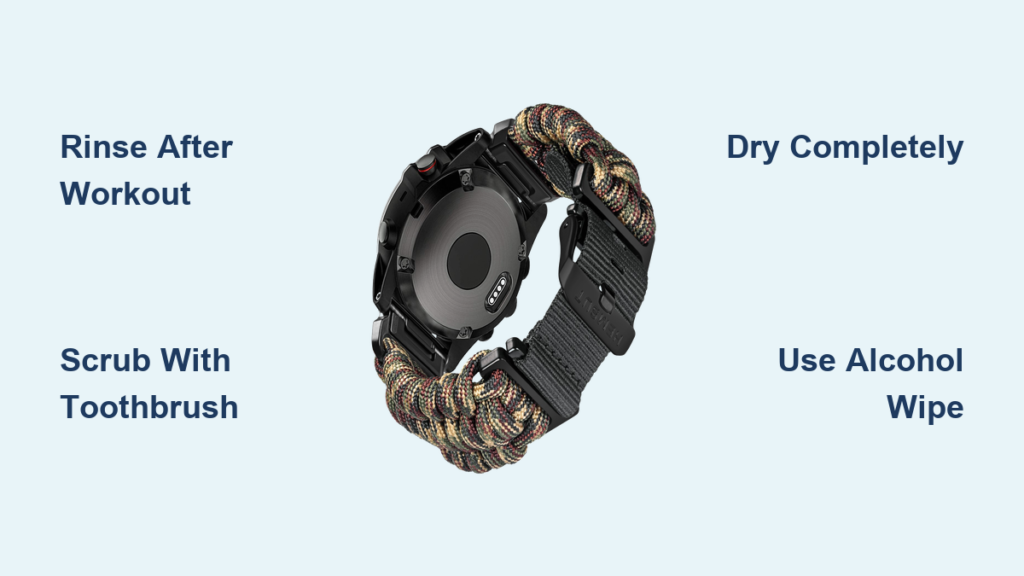
If your Garmin watch strap has started to smell, feel sticky, or show white residue after workouts, you are not alone. Sweat, skin oils, sunscreen, and environmental grime build up quickly on straps, especially silicone ones. The good news is that cleaning your Garmin watch strap is simple, safe, and takes just minutes. Most Garmin models like Forerunner, Fenix, Venu, and Instinct are water-resistant to 50 meters, so you can clean them under running water without risk. Just avoid charging while wet. In this guide, you will learn how to safely clean every type of strap, prevent odors, and extend the life of your Garmin watch strap with minimal effort.
Clean Silicone Straps Safely
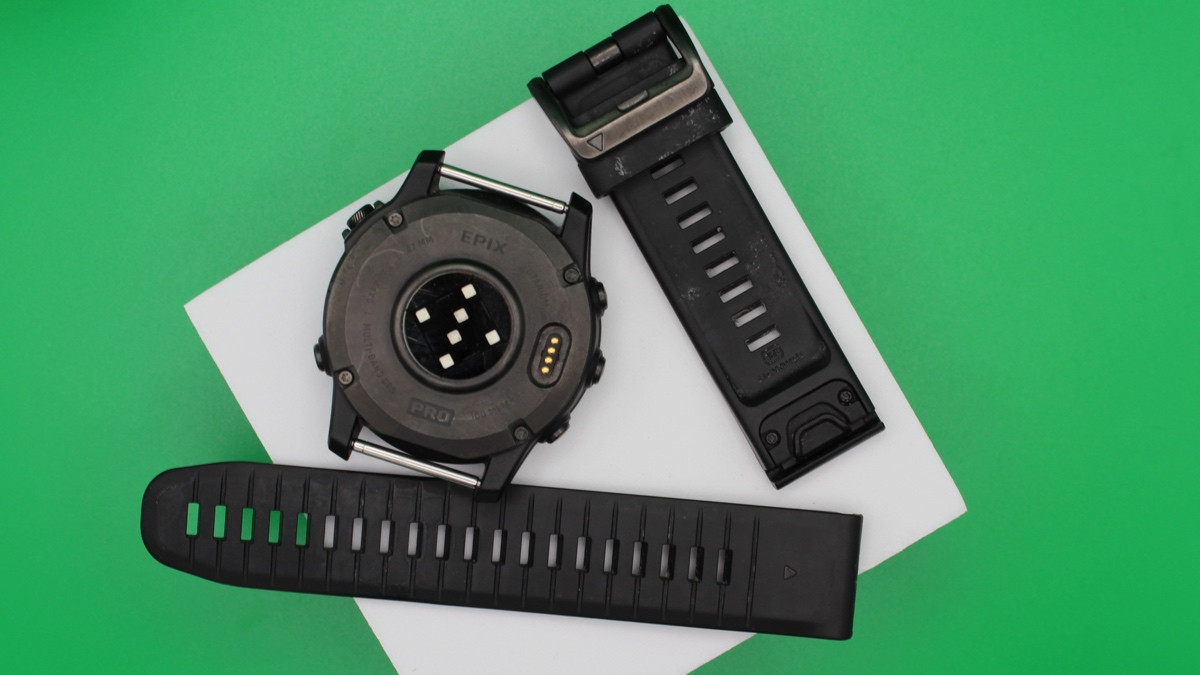
Silicone is the most common strap material on Garmin watches. While durable, it traps sweat in textured grooves and can develop odors or chalky white residue over time. Regular cleaning keeps silicone straps fresh and comfortable against your skin.
Rinse After Every Workout
Rinse your silicone strap under cold running water immediately after exercise. This removes salt, sweat, and bacteria before they dry and stick. No soap is needed for daily use. A quick flush under the tap or shower stream keeps grime at bay. One user reports running their strap under the shower after every workout with just water, and it still smells fresh.
Scrub Textured Areas With a Toothbrush
For deeper cleaning, use a soft-bristled toothbrush to scrub grooves, holes, and under the strap keeper. Focus on areas where white flakes accumulate, which are dried sweat salts and oils. A toothpick helps dislodge debris from tight corners. Avoid brushing near speaker or microphone openings to prevent damage to your watch.
Use Mild Soap or Alcohol Wipes
Mix warm water and mild dish soap. Soak the strap for 5 to 10 minutes, then scrub gently. Rinse thoroughly to remove all soap residue. Alternatively, wipe down with 70% isopropyl alcohol to sanitize and kill odor-causing bacteria. Rinse with clean water afterward to avoid stickiness or material breakdown.
Dry Completely Before Recharging
After washing, shake off excess water and air dry on a clean towel. Place in sunlight if possible, as UV rays naturally disinfect. Never charge your Garmin until the charging contacts are fully dry. Trapped moisture can cause corrosion. One user warns that the manual statement about not charging when wet exists to prevent people from damaging their watch.
Maintain Nylon and Fabric Straps
Nylon straps like NATO or mesh bands breathe better than silicone but absorb sweat, leading to faster odor buildup. These straps require more frequent cleaning than silicone options.
Hand Wash With Cold Water and Detergent
Remove the strap from your watch. Wash by hand using cold water and mild detergent, preferably sports-specific. Gently scrub with a soft cloth or nail brush. Rinse until no suds remain, as detergent residue can irritate your skin.
Machine Wash Only If Labeled Safe
Some third-party nylon straps include care labels that say machine washable. If yours does, wash with cold water and sports detergent every 7 uses. One user confirms rinsing after use and machine washing after 7 uses works great with workout clothes. Never machine wash unless the label explicitly allows it.
Air Dry Flat or Hanging
Lay flat or hang to dry. Never use a dryer, radiator, or hairdryer. Heat warps fibers and shrinks fabric. Keep out of direct sunlight for long periods to prevent fading.
Replace Instead of Deep Clean
Many users purchase inexpensive nylon straps online and rotate them. One user owns several bands priced between $5 and $10, swapping based on activity or outfit. Replacing is cheaper and more hygienic than deep cleaning. This strategy reduces wear and keeps your look fresh.
Care for Leather Bands
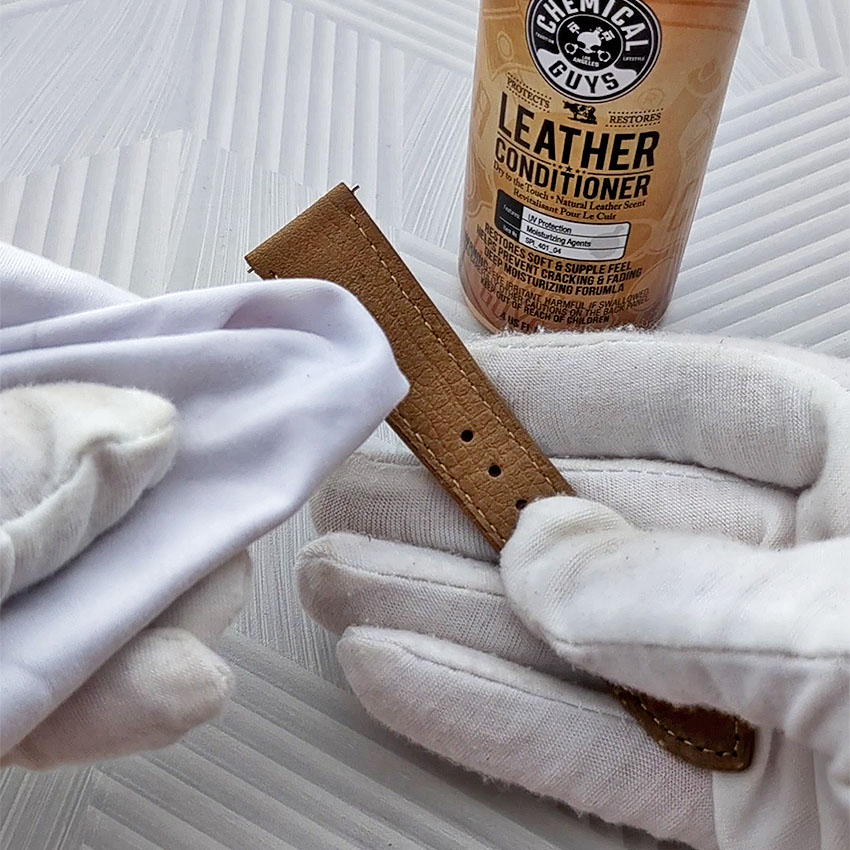
Leather straps appear on premium Garmin models like Venu and MARQ. They look elegant but require special care to maintain their appearance and durability.
Wipe With Damp Cloth Only
Never submerge leather in water. Use a slightly damp lint-free cloth to gently wipe soiled areas. Rub in small circles, then immediately dry with a clean cloth. Avoid soaking, as water causes staining, warping, and cracking.
Avoid Harsh Cleaners
Do not use alcohol, antibacterial wipes, bleach, or solvents. These strip natural oils and degrade the leather. Even mild soap can dry it out. One user warns that using a Clorox wipe once caused the leather to turn chalky within a week.
Condition Occasionally
Apply a leather-safe conditioner every few months to maintain softness and prevent cracks. Use sparingly and wipe off excess. Store away from moisture and UV light to avoid premature aging.
Clean Metal Bands Thoroughly
Metal straps on MARQ or high-end Venu models resist odor but collect dust, lint, and dead skin between links. Regular cleaning keeps them looking polished.
Wipe With Microfiber Cloth
Use a damp microfiber cloth to wipe the surface daily. This removes fingerprints and light grime. For deeper cleaning, use mild soapy water and a soft toothbrush to scrub between links and around the clasp.
Rinse and Dry Immediately
After cleaning, wipe with a damp cloth to rinse soap, then dry with a clean towel. Do not soak metal bands, as water can seep into internal mechanisms and cause corrosion over time.
Remove White Residue From Black Straps

That chalky, flaky buildup on black silicone straps is a mix of dried sweat, sunscreen, insect repellent, and skin oils. It is not mold, but it can be unsightly and irritating.
Soak and Scrub
Soak the strap in soapy water for 5 to 10 minutes. Then use a soft toothbrush to scrub textured areas. A toothpick helps remove debris from under the strap keeper or in tiny crevices. One user calls this buildup a chemical weapon of mass irritation.
Sanitize With Alcohol
Wipe with 70% isopropyl alcohol to kill bacteria and dissolve oily residue. Rinse afterward to remove chemical film. Do not use Clorox wipes regularly, as they may degrade silicone over time.
Prevent Odors and Skin Irritation
A smelly strap is not just unpleasant. It can cause rashes or allergic reactions if left untreated. Prevention is easier than treatment.
Wash Regularly, Dry Fully
Clean your strap daily or every other day if you sweat heavily. Let it air dry completely before reattaching. Trapped moisture breeds bacteria. Sunlight exposure helps kill odor-causing microbes naturally.
Rotate Wrist and Straps
Wear your watch on the outside of the wrist, just above the bone, for accurate heart rate readings. Tighten during workouts, loosen at night. Rotate wrists weekly to prevent tan lines or pressure sores. Update your wrist preference in Garmin Connect when switching sides.
Avoid Allergens and Irritants
If redness or itching persists, consider silicone sensitivity. Try a nylon or metal strap instead. Never use abrasive cleaners, bleach, or solvents, as they damage materials and irritate skin.
Use the Right Tools and Cleaners
Having the right tools makes cleaning fast and effective. The right cleaner depends on your strap material.
Essential Cleaning Tools
A soft-bristled toothbrush scrubs grooves without scratching. Use a lint-free cloth to wipe leather and metal safely. A toothpick removes debris from tight spots. Cotton buds clean around charging contacts and ventilation holes. A nail brush works better than a toothbrush for fabric and deep texture.
Safe Cleaning Agents
Mild dish soap works well on silicone and nylon. Rinse thoroughly after use. Cold water is ideal after every workout. Use 70% isopropyl alcohol to sanitize silicone and metal, but rinse afterward. Sports detergent works for machine-washable nylon. Diluted white vinegar acts as a natural deodorizer. Baking soda paste provides mild abrasive cleaning for silicone. Avoid toothpaste, bleach, acetone, and steel wool, as they scratch or degrade materials.
Follow Safety and Maintenance Tips
Proper care keeps your Garmin strap and device working longer. Some practices cause more harm than good.
Never Use These
Avoid bleach or ammonia-based cleaners. Skip abrasive pads or brushes. Never use high heat or steam like saunas or dryers. Do not submerse in strong chemicals. Heat warps silicone, abrasives scratch metal, and solvents ruin leather.
Keep Charging Contacts Clean
Use a dry toothbrush to gently remove lint and corrosion from charging pins. Do not insert metal objects or use liquids near the port. One user warns that rubber plugs trap moisture and cause more corrosion than they prevent.
Store Properly
Keep your watch in a cool, dry place. Avoid direct sunlight, as it fades straps and degrades silicone. Do not store near oils, solvents, or perfumes.
Frequently Asked Questions About Cleaning Garmin Watch Straps
Can I shower with my Garmin watch on?
Yes, most Garmin watches are water-resistant to 50 meters. You can shower and clean your strap under running water. Just avoid charging while wet, as trapped moisture can cause corrosion.
Why does my black silicone strap have white residue?
White residue is a combination of dried sweat, skin oils, sunscreen, and insect repellent. It builds up in textured areas and grooves. Soak, scrub with a toothbrush, and rinse to remove it.
Can I use alcohol wipes on my Garmin strap?
Yes, 70% isopropyl alcohol is safe for silicone and metal straps. It kills odor-causing bacteria. Rinse afterward to prevent residue buildup. Avoid alcohol on leather straps.
How often should I clean my Garmin watch strap?
Rinse after every workout. Perform a deeper clean with soap weekly. Clean immediately if you notice odors or visible buildup.
Can I machine wash my nylon watch strap?
Only machine wash if the strap label explicitly says it is safe. Use cold water and sports detergent. Hand washing is safer for most nylon straps.
What causes skin irritation from watch straps?
Skin irritation comes from trapped moisture, bacteria, or silicone sensitivity. Clean regularly, dry fully, and rotate wrists. If irritation persists, try a nylon or metal strap.
Key Takeaways for Cleaning Your Garmin Watch Strap
Cleaning your Garmin watch strap does not need to be complicated. Rinse after workouts, scrub weekly, dry fully, and sanitize occasionally. Match your method to the material, whether silicone, nylon, leather, or metal, and you will prevent odors, irritation, and premature wear. The best strategy is consistency over intensity. A 30-second rinse does more than a monthly deep clean. Pair it with strap rotation and proper drying, and your Garmin will stay fresh, functional, and comfortable for years.



