
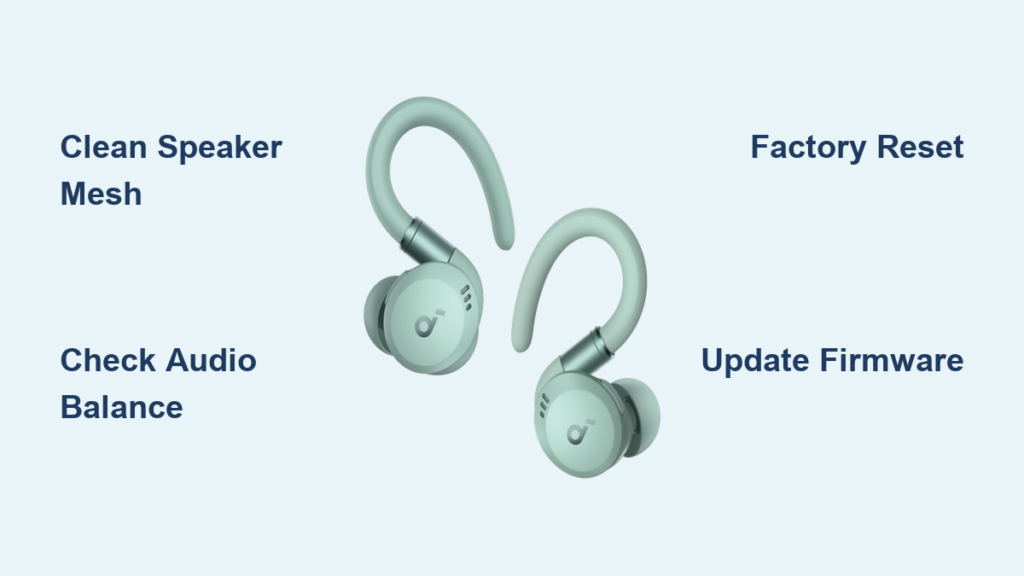
You’re not alone if your Soundcore Sport X20 right earbud isn’t working while the left one plays perfectly. This one-sided audio problem is a common frustration, and it often strikes without warning during workouts, calls, or casual listening. The good news is that this issue is rarely permanent hardware damage. Most cases trace back to a Bluetooth sync failure, debris blockage, improper pairing, or a software glitch that you can resolve at home in under 10 minutes.
This guide walks you through a proven, step-by-step process to diagnose and fix the Soundcore Sport X20 right earbud not working issue. From quick cleaning routines to factory resets and firmware updates, every solution is covered in order of simplicity. By the end, you will know whether your earbud can be revived or if it is time to contact Soundcore support.
Clean the Right Earbud Speaker and Contacts
Before diving into software fixes, rule out physical blockages. Earwax, lint, and dust can clog the speaker mesh, making the earbud seem dead when it is actually just muffled.
Clear the Speaker Mesh
Use a dry cotton swab or soft-bristled brush to gently clean the metal grill on the right earbud. Shine a flashlight onto the mesh to inspect for buildup. For stubborn debris, lightly dab a cotton swab with isopropyl alcohol (never soak it) and wipe the surface. Let the earbud air dry for 10 minutes before testing. Never insert sharp objects like pins, since this can puncture the driver permanently.
Wipe the Charging Contacts
Dirt on the stem or inside the case can prevent the right earbud from charging or syncing properly. Wipe the gold-colored contact points on both the earbud and inside the case with a dry swab. Ensure the earbud snaps into place with a secure magnetic click before testing.
Verify Audio Balance and Mono Settings
A silent right earbud might not be broken at all. It could simply be turned off in your phone’s accessibility settings.
Center the L/R Audio Balance
On iPhone, go to Settings > Accessibility > Audio/Visual > Balance and drag the slider to the center. On Android, open Settings > Accessibility > Hearing > Audio Balance and confirm it is centered. If the slider sits all the way to the left, 100% of audio routes to the left earbud, which mimics a complete failure.
Disable Mono Audio Mode
Some users enable Mono Audio for accessibility reasons, which merges both channels into one ear. Turn it off on iPhone via Settings > Accessibility > Audio/Visual > Mono Audio, then toggle it off. On Android, navigate to Settings > Accessibility > Hearing > Mono Audio and disable it. Test audio afterward. If both sides now work, the issue was purely software-based.
Test the Earbuds on Another Device
Isolating the problem early saves significant troubleshooting time. You need to determine whether the fault lies in the earbuds or in your phone.
Confirm the Source of the Fault
Pair the Sport X20 with a different smartphone, tablet, or laptop. Play music and check if the right earbud still stays silent. If it works on the second device, the original phone has a Bluetooth cache or app conflict. If it fails on every device, the issue is inside the earbuds themselves, and you should focus on resetting or cleaning.
Perform a Hard Factory Reset
This is the most effective fix for the Soundcore Sport X20 right earbud not working issue. A hard reset clears corrupted Bluetooth data and forces both earbuds to resync.
Execute the Factory Reset
- Place both earbuds securely in the charging case.
- Keep the lid open throughout the process.
- Press and hold the button on the front of the case for 10 seconds.
- Watch for the LED indicator. A successful reset shows three rapid white flashes.
- Release the button once the flashes appear.
If no flash occurs, charge the case fully first. A low battery can block the reset cycle entirely.
Forget and Re-pair the Device
After resetting, clear your phone’s memory of the earbuds:
- Open your phone’s Bluetooth settings.
- Find “SOUNDCORE SPORT X20” and tap the “i” or gear icon.
- Select “Forget This Device” on iOS or “Unpair” on Android.
- Open the case. The earbuds should enter pairing mode with a pulsing white LED.
- Tap “Connect” when the device appears in the list.
- Play audio to confirm both sides work.
Always forget and re-pair manually rather than relying on automatic reconnection for a clean handshake.
Try a Quick Re-sync Cycle
For minor sync issues, a fast reboot may resolve the problem without clearing pairing memory.
Force a Soft Reconnection
- Place both earbuds in the charging case.
- Close the lid for 10 seconds.
- Open the lid again.
- Remove the earbuds. They should reconnect automatically to your device.
This forces a soft reset that re-initializes the Bluetooth module. Use this method if a full factory reset feels excessive.
Update Firmware Through the Soundcore App
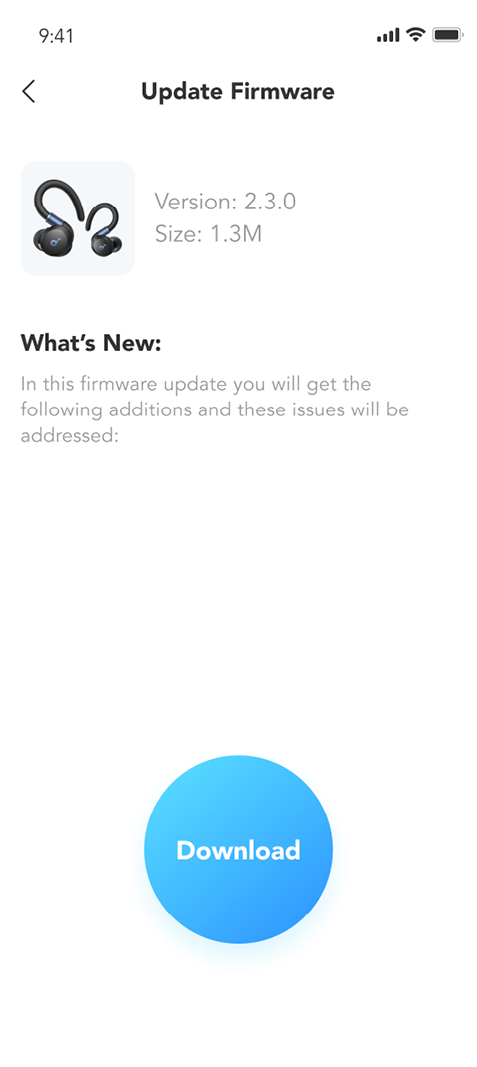
Outdated firmware can cause channel dropouts, sync failures, and one-sided audio bugs.
Install the Latest Firmware
- Download the Soundcore app from the iOS or Android store.
- Pair your earbuds with the app.
- Navigate to the device page for Sport X20.
- Tap “Check for Update” under the Firmware section.
- Follow the prompts to install any available update.
The app also displays individual battery levels for each earbud. If the right earbud shows 0% or no reading, it is not charging, which points to contact or battery issues.
Inspect for Hardware Failure
If all software fixes fail, the problem is likely physical damage inside the right earbud.
Identify Driver or Battery Failure
Watch for these warning signs:
- No LED activity on the right earbud when removed from the case
- No battery reading shown in the Soundcore app
- No sound even after a full charge and factory reset
- Cracks or impact marks visible on the housing
The Sport X20 carries an IPX4 water-resistant rating, which protects against sweat and light rain. It does not protect against submersion. Water exposure can corrode internal circuits and cause permanent failure.
Assess the Charging Case
Check whether the case powers on. The LED should light when charging or when earbuds are inserted. If the right earbud slot shows no charging light, the internal coil may be faulty. Try wiggling the earbud to see if it charges intermittently. This behavior suggests loose internal connections.
Avoid DIY Repairs
Opening the earbud voids any warranty and risks permanent damage to delicate components.
Risks of Self-Repair
- Tiny, glued components are difficult to disassemble
- Soldering points are fragile and easily broken
- Driver replacement requires precision tools
- Reassembly often breaks the seal and reduces water resistance
Even if you fix one issue, another may appear during reassembly. For most users, replacement is safer and more reliable than attempting self-repair.
Contact Soundcore Support
When all troubleshooting steps fail, reach out to the manufacturer for assistance.
When to Request Help
Contact support if:
- The earbud shows no signs of life at all
- It fails across multiple devices
- Firmware is fully up to date
- Cleaning and resets produced no improvement
Visit support.soundcore.com or use the in-app support feature. If your unit is under warranty (typically 12 months), you may qualify for a free replacement. For out-of-warranty units, ask about repair options or upgrade discounts.
Consider Upgrading to Newer Models
If your Sport X20 cannot be revived, a newer model may offer better long-term value.
Benefits of Newer Soundcore Earbuds
Newer releases provide:
- Adaptive ANC 2.0 with up to 98.5% noise reduction
- LDAC or AAC support for high-resolution audio
- 50+ hours total battery life with the charging case
- Improved fit and water resistance up to IPX7
Models like the Soundcore Liberty 4 NC or Sport X3 deliver better stability, fewer dropouts, and longer lifespan than older units.
Frequently Asked Questions About Soundcore Sport X20 Right Earbud Not Working
Why is only one side of my Soundcore Sport X20 working?
This usually happens because of a Bluetooth sync failure between the left and right earbuds. A factory reset clears the corrupted pairing data and forces both earbuds to reconnect properly. Cleaning the speaker mesh and charging contacts also resolves the issue in many cases.
How do I reset my Soundcore Sport X20 earbuds?
Place both earbuds in the case with the lid open. Press and hold the button on the front of the case for 10 seconds. Wait for the LED to flash three times in white, which confirms a successful reset. Then forget the device in your phone’s Bluetooth settings and re-pair.
Can I fix a Soundcore Sport X20 right earbud that has no sound at all?
Yes, in many cases. Start by cleaning the mesh and contacts, then perform a hard reset and re-pair. Test on a second device to rule out phone issues. If the earbud still produces no sound, the driver or battery has likely failed, and you should contact Soundcore support.
Does the Soundcore Sport X20 have a warranty for one earbud not working?
Yes. Soundcore typically offers a 12-month warranty covering manufacturing defects, including single-earbud failures. Contact support through the app or at support.soundcore.com with your proof of purchase to start a warranty claim.
Will updating firmware fix a silent right earbud?
Often, yes. Firmware bugs can cause channel dropouts that mimic hardware failure. Open the Soundcore app, check for updates, and install the latest version. Many users find that a firmware update alone restores stereo sound.
Is it worth repairing one earbud or should I buy new ones?
Repair is rarely cost-effective for true wireless earbuds. Components are glued and miniaturized, and DIY attempts usually void the warranty. If your Sport X20 is out of warranty and the right earbud has failed, upgrading to a newer model often delivers better audio, battery life, and features for a similar price.
Key Takeaways for Fixing Your Soundcore Sport X20 Right Earbud
The Soundcore Sport X20 right earbud not working issue is almost always fixable at home. Start with the simplest steps: clean the speaker mesh, wipe the charging contacts, and verify that your audio balance is centered. Test the earbuds on a second device to isolate the fault. If the issue persists, perform a hard factory reset by holding the case button for 10 seconds until the LED flashes three times in white. Forget the device in your Bluetooth settings and re-pair for a clean connection. Update the firmware through the Soundcore app to patch any known software bugs.
If the right earbud still produces no sound after all these steps, hardware failure is the likely cause. Contact Soundcore support while under warranty, or consider upgrading to a newer model with better noise cancellation and battery life. Regular cleaning and timely resets will keep your earbuds performing reliably for years to come.



